
Gmail, Yahoo and Outlook.com now have written bulk sender requirements. Miss them and your mail goes to spam or is rejected outright. This checklist puts the three providers’ rules side by side, explains who counts as a bulk sender, and shows how to meet each requirement. It also covers the WordPress and WooCommerce mail most checklists forget.
Most bulk sender requirements apply to everyone at a basic level. Small senders are affected too, because a missing record now hurts placement long before you reach bulk volumes.
Check where you stand first
Our free SPF, DKIM and DMARC checker reads your live records in a few seconds. It covers the three authentication items on this checklist and flags duplicate SPF and a missing DMARC policy.
What changed, and when
- February 2024: Gmail and Yahoo start enforcing new rules for bulk senders: authentication, DMARC, low spam rates.
- June 2024: One-click unsubscribe becomes required for marketing and subscribed mail from bulk senders.
- May 5, 2025: Microsoft begins enforcing similar rules for Outlook.com, Hotmail.com and Live.com. Non-compliant bulk mail is rejected with
550; 5.7.515 Access denied. - November 2025: Google announces it is ramping up enforcement, with more temporary and permanent rejections for non-compliant traffic.
In short, the grace period is over. Non-compliant mail now bounces instead of just losing a little placement.
Who counts as a bulk sender?
| Provider | Bulk threshold | Notes |
|---|---|---|
| Gmail | Close to 5,000 or more messages to personal Gmail accounts in 24 hours | All mail from the same main domain counts together. Once you qualify, you stay a bulk sender permanently. |
| Outlook.com | More than 5,000 messages a day to Outlook.com, Hotmail.com and Live.com | Applies to consumer mailboxes, not business Microsoft 365 accounts. |
| Yahoo | No fixed public number | Yahoo applies its bulk rules to senders at significant volume and expects everyone to meet the basics. |
Even if you send 50 emails a day, meet the bulk sender requirements anyway. The requirements are the same list of good practices, and the cost of meeting them is one afternoon.
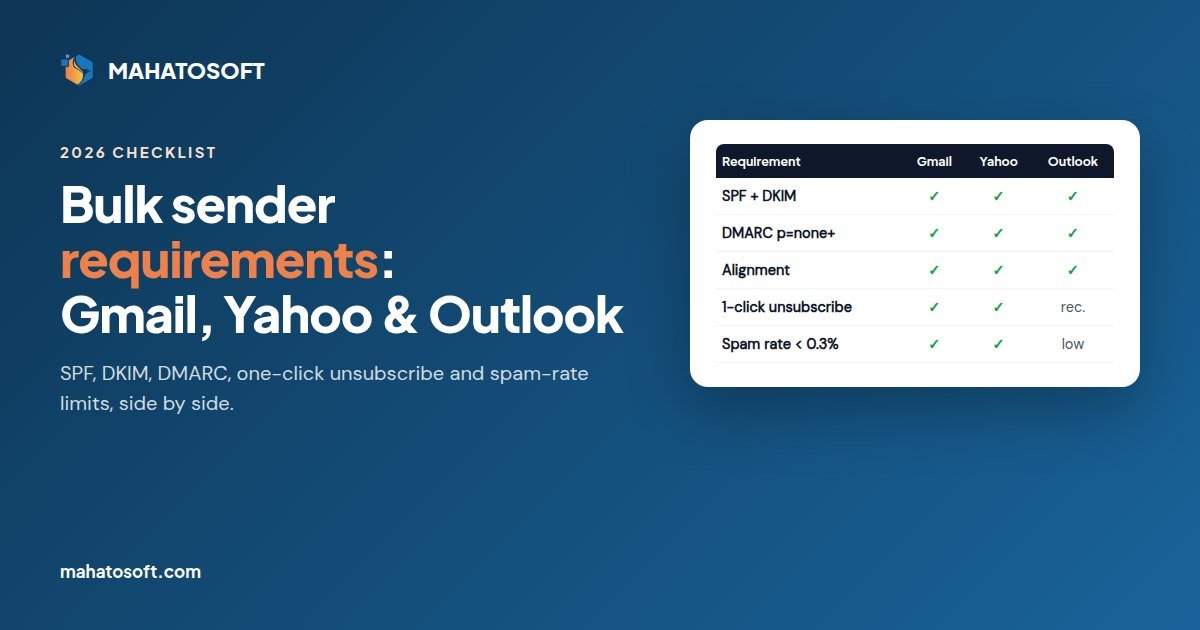
The bulk sender requirements side by side
| Requirement | Gmail | Yahoo | Outlook.com |
|---|---|---|---|
| SPF | All senders: SPF or DKIM. Bulk: both | All senders: SPF or DKIM. Bulk: both | Bulk: must pass |
| DKIM | Bulk: required | Bulk: required | Bulk: must pass |
| DMARC | Bulk: at least p=none |
Bulk: at least p=none |
Bulk: at least p=none |
| DMARC alignment | From domain aligned with SPF or DKIM | From domain aligned with SPF or DKIM | Aligned with SPF or DKIM, ideally both |
| One-click unsubscribe | Bulk marketing mail: required, honored within 2 days | Bulk marketing mail: required, honored within 2 days | Working unsubscribe link strongly recommended |
| Spam complaint rate | Below 0.3%, aim for under 0.1% | Below 0.3% | Low complaints and clean lists expected |
| Valid forward and reverse DNS (PTR) | All senders | All senders | Expected |
| TLS for sending | All senders | Expected | Expected |
| RFC 5322 formatted messages | All senders | All senders | Expected |
Official sources: Google’s email sender guidelines, Google’s sender requirements FAQ and Yahoo Sender Hub best practices. Microsoft published its rules on the Microsoft Defender for Office 365 blog in April 2025.
The bulk sender checklist
1. Authenticate every sending source with SPF and DKIM
List everything that sends mail with your domain in the From address: your mailbox provider, newsletter tool, CRM, helpdesk, invoicing tool, and your website. Each one needs to pass SPF or, better, sign with DKIM using your domain. Remember the one-SPF-record rule and the 10-lookup limit.
Our setup guides give exact steps for Google Workspace, Microsoft 365, Zoho Mail and Titan on seven popular registrars, including Namecheap + Google Workspace and GoDaddy + Microsoft 365.
2. Publish DMARC and make sure it aligns
Start with this record, at _dmarc.yourdomain.com:
v=DMARC1; p=none; rua=mailto:dmarc@yourdomain.com
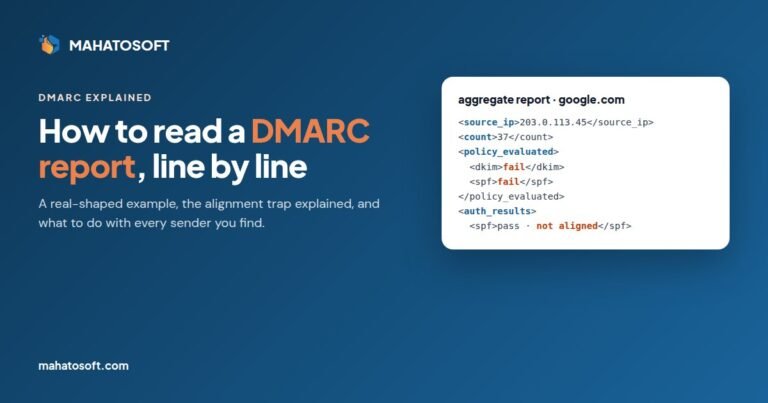
p=none is the minimum the providers ask for. Alignment is the part people miss: the domain SPF or DKIM passes for must match the From domain. A newsletter tool signing with its own domain passes DKIM but does not align. Our guide on how to read a DMARC report shows how to spot this in your reports.
3. Add one-click unsubscribe to marketing mail
Marketing and subscribed mail needs two headers:
List-Unsubscribe: <https://yourdomain.com/unsubscribe?id=...>
List-Unsubscribe-Post: List-Unsubscribe=One-Click
It also needs a visible unsubscribe link in the body. Mailchimp, Brevo, MailerLite, Klaviyo and similar tools add both automatically. Order confirmations and password resets are transactional and do not need them.
4. Keep spam complaints under 0.1%
Verify your domain in Google Postmaster Tools to see your Gmail spam rate. Microsoft has SNDS for IP-level data. Keep lists opt-in, send what people signed up for, and remove long-term non-openers.
5. Check your sending infrastructure
If you use Google Workspace, Microsoft 365 or a major email service, they already handle PTR records and TLS. If you send from your own VPS or mail server, confirm that the server’s IP has a reverse DNS name that resolves back to the same IP.
6. Do not send as gmail.com, yahoo.com or outlook.com from other services
Gmail and Yahoo publish strict DMARC policies for their own domains. A newsletter tool sending “From: yourname@gmail.com” will fail DMARC and be rejected. Use an address on your own domain.
The WordPress and WooCommerce blind spot
Order confirmations, password resets and contact form notifications often go out through the web server’s PHP mail function. That mail usually fails SPF alignment and has no DKIM signature. It counts against your domain, and under the new rules it is increasingly rejected.
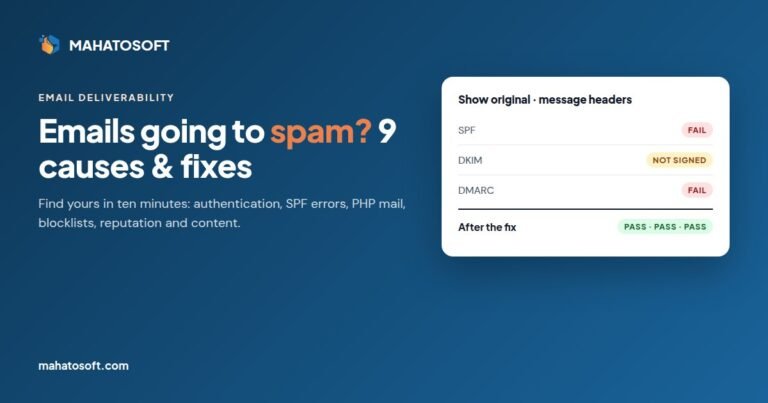
Install an SMTP plugin such as WP Mail SMTP or FluentSMTP. Connect it to your mailbox provider or a transactional email service. Send from an address on your own domain. Then check a WooCommerce test order in Gmail with Show original: SPF, DKIM and DMARC should all say PASS. More on this in why emails go to spam.
What happens if you miss the bulk sender requirements
Placement drops first: more of your mail goes to spam. Then come temporary rejections, 4xx errors that your server retries, and finally permanent 5xx rejections. You will see these as bounce messages quoting the provider’s error code and a link to its guidelines. Outlook.com’s 5.7.515 and Gmail bounces mentioning authentication or sender guidelines mean exactly this checklist.
Google also says senders who do not meet the requirements may not get help from its sender support until they do.
Want it all set up in one go?
We handle SPF, DKIM and DMARC for any registrar and mail provider for $49 flat, usually the same day. We merge your existing records, align your newsletter and website mail, and send you a passing Gmail test as proof. Get it fixed. If we cannot fix it, you pay nothing.
Bulk sender requirements: quick answers
Do the bulk sender requirements apply to small businesses?
The strictest rules apply from around 5,000 messages a day. But Gmail requires SPF or DKIM, valid DNS and a low spam rate from every sender, and missing DMARC hurts placement at any volume. Meeting the full list is the safe choice.
Is DMARC p=none enough?
It is enough to meet the requirement. It does not protect your domain from spoofing. Once your reports show all legitimate mail passing, move to p=quarantine and then p=reject.
Does one-click unsubscribe apply to transactional emails?
No. It applies to marketing and subscribed messages. Receipts, password resets and account notifications do not need it.
How do I know if I am already a bulk sender?
Add up everything sent from your domain to personal Gmail addresses in a day, including newsletters, notifications and tools. If it gets close to 5,000 on any day, Google treats you as a bulk sender from then on.