

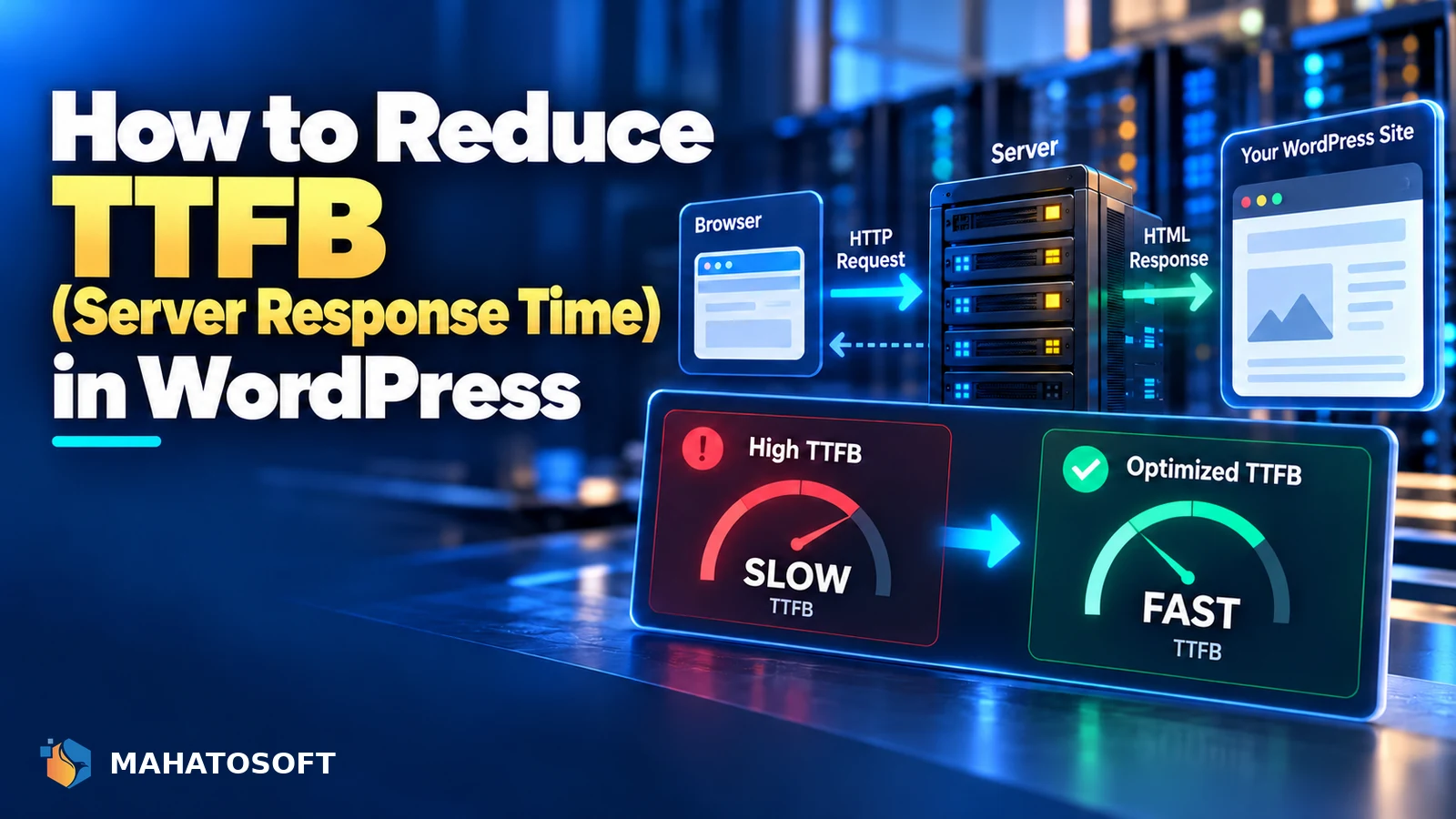
Time to First Byte measures how long the browser waits for the server to start responding before any content can even begin loading, so if you need to reduce TTFB in WordPress, the work happens almost entirely on the server side rather than in the browser. A slow TTFB drags down every other speed metric that follows it, including LCP. Here is where the time actually goes and what fixes it.
TTFB covers the time from the browser making a request to receiving the first byte of the response: DNS lookup, connection setup, server processing time, and the start of the response being sent. For a dynamic site like WordPress, most of that time is spent on the server actually generating the page.
Measure it correctly first
Check the TTFB figure in PageSpeed Insights under the diagnostics section, and also in Chrome DevTools’ Network tab, where it shows as “Waiting for server response” (TTFB) for the main document request specifically.
What counts as a good TTFB
| Time | Rating |
|---|---|
| 0.8 seconds or less | Good, per web.dev’s guidance |
| 0.8 to 1.8 seconds | Needs improvement |
| Above 1.8 seconds | Poor |
TTFB is not itself an official Core Web Vital, but it sets a hard floor under Largest Contentful Paint, since nothing on the page can start rendering until the first byte arrives. Our wider Core Web Vitals guide for WordPress and our guide to improving LCP both connect back to this same server-response-time foundation.
1. Hosting quality is the single biggest factor
Cheap shared hosting, where hundreds of sites share the same limited server resources, is the most common reason WordPress sites struggle to reduce TTFB below a second. Managed WordPress hosting, or a well-configured VPS, typically cuts server response time significantly simply by giving your site dedicated resources and a server stack tuned specifically for WordPress.
If every other fix below is already in place and TTFB is still slow, the hosting plan itself is usually the limiting factor. Upgrading hosting alone is often enough to reduce TTFB into the “good” range without touching anything else on the site.
2. No server-side caching, or badly configured caching
Without page caching, WordPress rebuilds the entire page from scratch on every single request: querying the database, running PHP, and assembling the HTML. A caching plugin, or server-level caching such as LiteSpeed Cache’s built-in server cache, serves a pre-built version of the page instead, which is dramatically faster to respond with.
# Example: a cached page skips this on every request
WordPress → PHP → database queries → template rendering → HTML
Confirm caching is actually working by checking response headers for a cache-hit indicator, which most caching plugins add, rather than assuming it is active just because the plugin is installed.
3. Slow or excessive database queries
A theme or plugin running many queries, or an unoptimised query on a large database, adds directly to server response time on every uncached request. Common causes on WordPress sites specifically:
- A page builder rendering complex layouts with many nested database lookups.
- Plugins that query post meta inefficiently across a large number of posts.
- A bloated
wp_optionstable full of autoloaded data from old, deactivated plugins.
A query monitor plugin can show exactly which queries run on a given page load and how long each takes, pointing you directly at the slowest one.
4. PHP version and configuration
Each major PHP version has brought meaningful performance improvements over the last several releases. Running an outdated PHP version is a straightforward way to leave server response time on the table for no benefit, since updating it is usually a dropdown in your hosting panel with no cost involved.
Check your current version under Tools → Site Health → Info → Server and update it if you are more than one major version behind current.
5. No object caching for database-heavy sites
Object caching, using Redis or Memcached, stores the results of expensive database queries in memory so repeated requests do not have to hit the database again. This matters most for larger sites, WooCommerce stores, and membership sites where the same data is queried repeatedly across many page loads. Many managed WordPress hosts include this by default; on others you may need to enable it or install a plugin such as Redis Object Cache.
6. Too much happening before the page can respond
Plugins that run heavy processing on every page load, such as checking license validity against an external server, or logging analytics data synchronously, add directly to TTFB regardless of hosting quality. Use a query monitor or profiling plugin to see which plugins take the longest during page generation, and look for lighter alternatives to the worst offenders.
7. Use a CDN to reduce distance for global visitors
If visitors are geographically far from your server, network latency alone can add meaningfully to what they experience as TTFB, even if your server itself responds quickly. A CDN like Cloudflare can cache and serve pages from a location closer to the visitor, which particularly helps international audiences reach a server based in one region.
How WordPress compares to a headless setup for TTFB
A well-cached WordPress site can reduce TTFB to a level very close to a static site, since a cache serves pre-built HTML without touching PHP or the database at all. The gap mostly appears on uncached, dynamic requests, which is where investing in the fixes above matters most.
Measuring whether your fixes actually worked
Test from a clean, uncached state after each change, since testing a cached page tells you almost nothing about whether the underlying server response time improved. Most caching plugins have a way to bypass the cache for a single test request, or you can test a page you know has not been visited recently. Compare the same page before and after each individual change rather than changing several things at once, so you know which fix actually made the difference.
Keep a simple record of your TTFB measurement over time, since hosting environments and plugin updates can quietly regress performance later even after you have brought it down once. A periodic recheck, alongside the rest of a normal WordPress maintenance routine, catches this before it becomes a bigger problem. Treating the effort to reduce TTFB as ongoing, not a one-time project, keeps the site fast as plugins and content change.
Want us to handle it?
Our Core Web Vitals and speed work, including TTFB, starts at $150 and takes 3 to 6 days, with a before-and-after measurement. Get a speed check.
Reduce TTFB in WordPress: quick answers
Does a caching plugin alone reduce TTFB enough?
For most content pages, yes, since a cached page skips PHP and database processing entirely. Logged-in areas, cart pages and anything that must stay dynamic will not benefit from page caching and need the other fixes above instead.
Why is my TTFB slow even with caching enabled?
Check that caching is actually serving cached pages rather than being installed but misconfigured, and confirm the pages you are testing are not excluded from the cache. Also check whether your hosting plan itself is simply underpowered for your traffic.
Does the number of plugins affect TTFB?
Yes, particularly plugins that run their own logic on every page load. It is less about the total count and more about whether each active plugin does meaningful work before the page can respond, even on a cached hit in some cases.
Is TTFB more important than LCP for WordPress sites?
They are connected rather than competing: a slow TTFB sets a floor under how fast LCP can possibly be, since nothing can render before the first byte arrives. Fixing TTFB is often the fastest way to also improve LCP.


Discussion
Join the conversation
No comments yet. Share a question or what worked for you.