

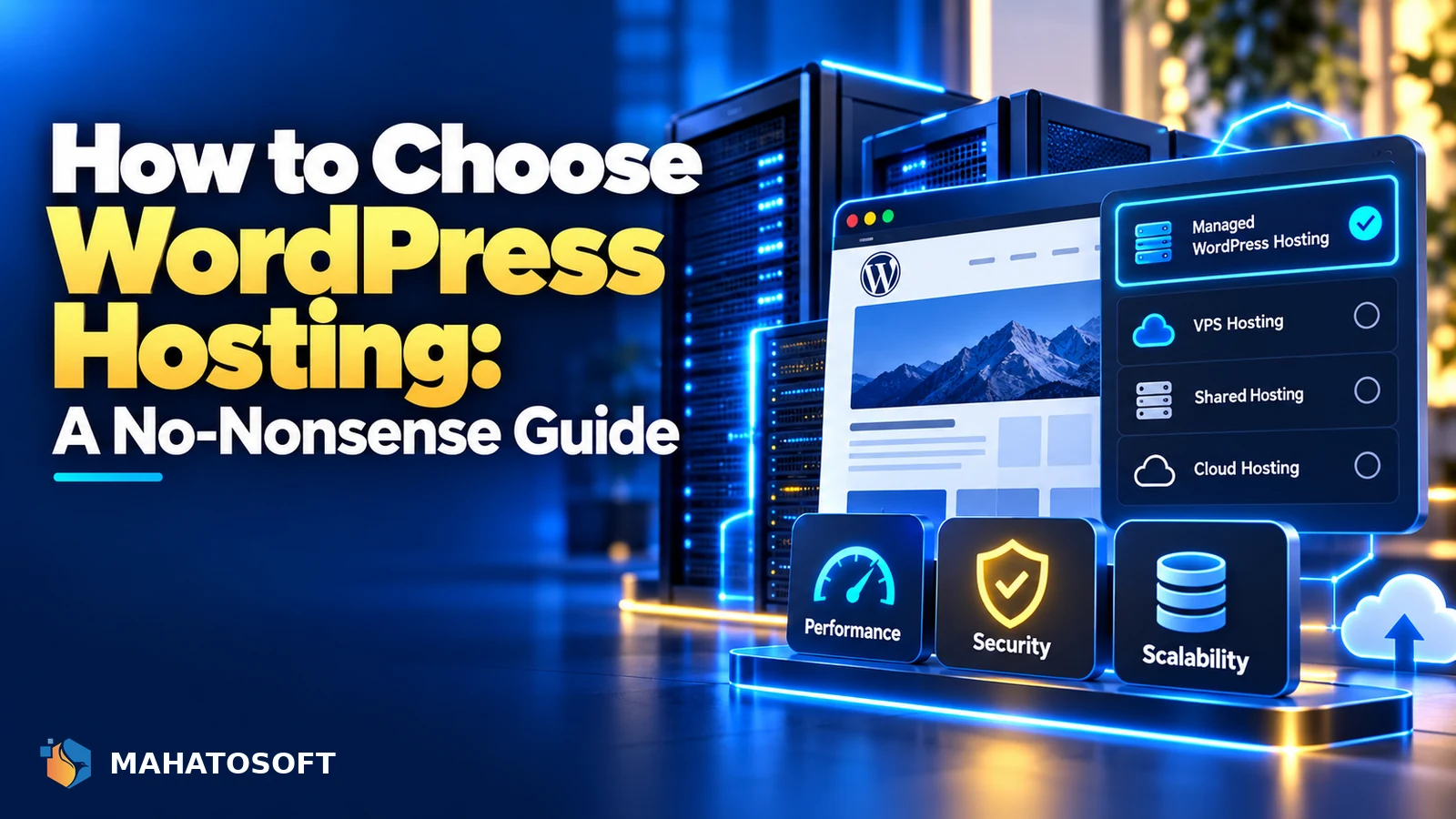
Choosing WordPress hosting comes down to matching a plan to what your site actually needs, not picking whatever has the cheapest headline price or the flashiest marketing. A $3-a-month shared plan and a $30-a-month managed plan can both be correct choices, depending on your traffic, your budget and how much you value not having to think about the server at all.
Some links in this article are affiliate links. If you buy through them, Mahatosoft may earn a small commission at no extra cost to you.
Most hosting decisions go wrong for one of two reasons: buying far more than a small site needs, or trying to save money on a store or high-traffic site that genuinely needs better infrastructure. This guide covers what actually matters so you can tell which situation you are in.
Before comparing hosts, know your numbers
Check your current monthly visitors and your site’s total storage size. A brochure site with a few thousand visitors a month has very different needs to a store doing daily transactions, and most hosting mistakes come from not knowing which one you are shopping for.
The main types of WordPress hosting
| Type | Good for | Watch out for |
|---|---|---|
| Shared hosting | Small sites, tight budgets, low traffic | Resources shared with other accounts; can slow down under load or a neighbour’s traffic spike |
| Managed WordPress hosting | Business sites wanting less server maintenance | Higher price; some restrict certain plugins |
| VPS (virtual private server) | Sites needing dedicated resources without full server management | Requires more technical knowledge, or a managed VPS plan |
| Dedicated server | Very high traffic, full control | Highest cost; you (or your host) manage everything |
Most small businesses fit comfortably into shared or managed WordPress hosting. Move up a tier only once you have a specific, measurable reason, such as consistent slow load times under normal traffic, not just because a bigger plan sounds safer.
1. Server speed and infrastructure
Ask specifically what web server software the host uses (Apache, Nginx or LiteSpeed), whether it uses SSD storage, and what caching is included by default. LiteSpeed servers paired with the free LiteSpeed Cache plugin offer meaningfully better performance for WordPress specifically than a generic Apache setup with no built-in caching.
A free performance test is easy: most hosts offer a trial or a short money-back window. Install a copy of your actual site, or a similar one, and run it through PageSpeed Insights before committing long term.
2. Uptime and reliability
Look for a host that publishes an uptime guarantee, ideally 99.9% or better, and check independent reviews rather than only the host’s own marketing page. A site that is frequently unreachable costs you sales, rankings and trust regardless of how fast it is when it does load. WordPress’s own hosting recommendations page and the wider WordPress.org hosting guidance are a reasonable starting point, even though most hosts on any list will still need the checks in this guide.
3. Support quality, not just support hours
24/7 support availability matters less than whether the support team actually understands WordPress specifically, rather than generic server troubleshooting. Before signing up, try the pre-sales chat with a real technical question and see how specific and confident the answer is.
4. Security features included by default
- A free SSL certificate, ideally auto-renewing, included in every plan.
- Malware scanning and, ideally, automatic malware removal or a clear remediation process.
- A web application firewall at the server level, not only something you have to install as a plugin.
- Account isolation on shared hosting, so another customer’s compromised site cannot affect yours.
A host with weak security is a risk you cannot fully offset with your own WordPress hardening, since some of it happens below the level WordPress itself can see or control. Ask directly what happens if your site is compromised: whether the host helps clean it up, charges extra, or simply suspends the account until you fix it yourself, since the answer varies a great deal between providers.
5. Backup frequency and ease of restore
Daily automated backups, stored off the same server, are the baseline to look for. Just as important is how easy a restore actually is: a host with a one-click restore from the control panel saves real time over one that requires a support ticket and a wait.
6. Room to grow without a full migration
Check whether you can upgrade your plan within the same host as traffic grows, rather than needing a full migration to a different provider entirely. A host offering shared, managed and VPS tiers under one account makes scaling up far less disruptive than starting again elsewhere.
7. Extra considerations for WooCommerce stores
A store has different needs to a brochure site: consistent performance under concurrent checkout traffic, a host comfortable with database-heavy WooCommerce queries, and ideally specific WooCommerce hosting optimisations rather than a generic WordPress plan. If checkout problems keep recurring, weak hosting infrastructure is worth ruling out alongside plugin conflicts.
8. Server location and CDN coverage
If most of your visitors are in one country or region, a server physically closer to them reduces latency, which matters most for visitors far from wherever your host’s data centre sits. A content delivery network largely offsets this for static assets like images and CSS, so check whether one is included, and whether it covers the regions your actual visitors are in, not just where your host happens to be based.
9. Compare total value, not just the headline price
Introductory pricing, often only for the first year or a multi-year commitment, can make a plan look far cheaper than its real ongoing cost. Compare the renewal price, what is genuinely included (SSL, backups, caching, a staging environment), and any limits on visitors, storage or email accounts, not just the number on the pricing page.
Where to start if you just want a shortlist
For a small business site or a first WooCommerce store, a good LiteSpeed-based shared or managed WordPress plan is usually enough. We run mahatosoft.com on Hostinger, and Bluehost, HostGator and Namecheap are other widely used options at a similar price level. Whichever you shortlist, check it against the points above rather than the discount banner.
Want help choosing, or a site built on the right host from day one?
We build WordPress sites from $450 and offer ongoing maintenance plans from $80/month that include hosting guidance. Book a free 15-minute call to talk through your options.
Choosing WordPress hosting: quick answers
Is shared hosting good enough for a small business WordPress site?
For most low-to-medium traffic sites, yes, as long as the host has a solid reputation for uptime and support. Move to managed or VPS hosting once you have outgrown shared hosting’s resource limits, not before.
What is the difference between WordPress hosting and generic web hosting?
WordPress-specific hosting is configured and optimised for how WordPress works: server-side caching tuned for it, staging environments, automatic core updates, and support staff familiar with WordPress specifically, rather than general-purpose server hosting that happens to run PHP.
How much should WordPress hosting cost for a small business?
Reasonable shared or entry managed hosting typically runs from a few dollars to around $30 a month depending on the host and included features. A price far below that range often means limited resources or upsells for features that should be included.
Should I choose WordPress hosting based on price alone?
No. Price matters, but uptime, support quality, backup reliability and security features affect your site’s real-world performance and risk far more than a small monthly saving, especially for a business site where downtime has a direct cost.


Discussion
Join the conversation
No comments yet. Share a question or what worked for you.