

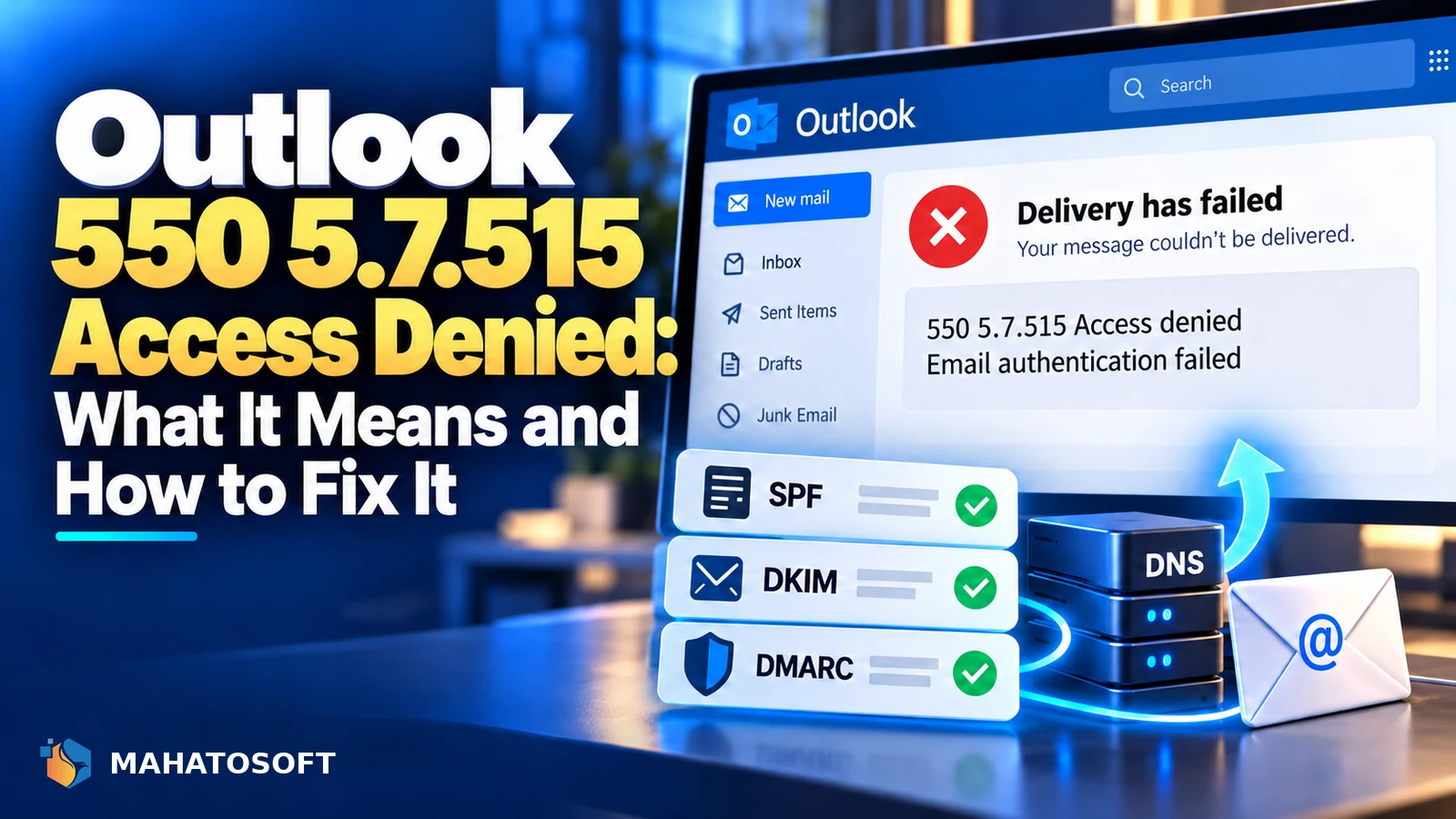
Outlook 550 5.7.515 access denied means Microsoft rejected your email outright because your domain failed its minimum authentication requirements. This is Microsoft’s equivalent of the authentication rules Gmail enforces, and it hits any domain sending to Outlook.com, Hotmail or Microsoft 365 addresses without a passing SPF or DKIM. The fix mirrors what fixes it for Gmail, usually within an hour of updating your DNS.
Some links in this article are affiliate links. If you buy through them, Mahatosoft may earn a small commission at no extra cost to you.
Microsoft began enforcing this more strictly for larger senders from May 2025, but the underlying requirement, at least one of SPF or DKIM passing with correct domain alignment, applies to senders of any size who want reliable delivery to Microsoft’s mail servers.
Check your records in two minutes
Put your domain into our free SPF, DKIM and DMARC checker. It reads your live DNS and flags exactly which record is missing, which is what triggers 550 5.7.515.
What 550 5.7.515 actually means
The bounce message typically reads “Access denied, traffic not accepted from this IP” or similar, naming authentication as the reason. The 550 status is a permanent rejection, meaning the message was never delivered at all, and 5.7.515 is Microsoft’s specific code for a sender that did not pass its authentication checks. Either SPF or DKIM must pass and be aligned with the domain in your “From” address; passing neither, or passing one without alignment, triggers the block.
Why alignment matters more than pass or fail alone
SPF or DKIM can technically pass while still not satisfying Microsoft, if the domain being authenticated does not match the domain visible in your “From” address. This is what DMARC alignment checks. It commonly happens when a website or marketing tool sends on your behalf using its own sending domain rather than yours, even though the mail appears to come from you.
Cause 1: no SPF record, or an SPF record that fails
Check for an SPF TXT record on your sending domain. If it does not exist, or if it exists but does not list the actual server sending your mail, SPF fails, which is the single most common cause of this rejection. A domain with two SPF records fails just as completely as a domain with none at all; only one SPF record is allowed per domain.
Cause 2: DKIM published but not signing mail
With Microsoft 365, Google Workspace and most providers, publishing the DKIM record in DNS is only half the setup; you then need to switch signing on separately in the admin console. Many domains have a correct-looking DKIM record that is never actually used, because this second step was skipped.
Cause 3: website mail sent through unauthenticated PHP
WordPress, WooCommerce and contact form plugins default to sending through the web server’s PHP mail function rather than your real mail provider. That mail comes from your hosting server, which your SPF record does not list and which nothing signs with DKIM, so it fails both checks against Microsoft’s requirements. Moving website mail onto authenticated SMTP fixes this directly.
Fixing 550 5.7.515 in order
- Check your current records with the SPF checker.
- Merge or correct SPF into a single record, staying under the 10-lookup limit.
- Enable DKIM signing with your mail provider, not just the DNS record.
- Move website transactional mail onto authenticated SMTP.
- Publish DMARC, starting at
p=none, and confirm alignment between your SPF/DKIM domain and your “From” domain. - Send a test message and confirm delivery to an Outlook.com or Microsoft 365 address.
Who is most likely to see 550 5.7.515
Small businesses sending order confirmations, appointment reminders or contact form notifications from their own domain are affected just as often as larger newsletter senders, since the baseline requirement, at least SPF or DKIM passing with alignment, applies regardless of volume. If your website sends any mail at all, whether that is a WooCommerce order email or a simple contact form notification, it needs to pass the same checks as mail sent from a mailbox.
How to confirm the fix worked
Send a test email to an Outlook.com or Microsoft 365 address you control. If it arrives, the immediate rejection is resolved. For a full breakdown of the authentication headers, use a testing tool such as mail-tester.com, or check Microsoft’s own guidance in its email authentication documentation.
This is not just an Outlook problem
| Provider | Similar requirement |
|---|---|
| Gmail | SPF or DKIM required, stricter rules for high-volume senders |
| Outlook / Microsoft 365 | SPF or DKIM required with alignment, enforced since May 2025 |
| Yahoo Mail | Follows the same general authentication requirements |
Fixing the authentication gap behind 550 5.7.515 almost always fixes the same underlying problem for Gmail, since we covered the parallel 550 5.7.26 error in detail, and both come down to the same open standards: SPF, DKIM and DMARC.
Mistakes that keep 550 5.7.515 coming back
- Publishing a second SPF record instead of merging it into the existing one, which breaks SPF for every server rather than adding to it.
- Enabling DKIM in DNS but forgetting to switch on signing in the mail provider’s admin console.
- Sending newsletter or marketing mail from a domain different to the one your main SPF and DKIM records cover, breaking alignment.
- Assuming a passing test once means the fix is permanent, without rechecking after adding a new sending tool later.
Setting the records up for your provider
The exact DNS screen differs by registrar and mail provider. Our step-by-step setup guides cover 28 combinations of registrar and mail provider, including Microsoft 365 paired with Namecheap, GoDaddy, Cloudflare DNS and more.
Rather have it done for you?
We fix 550 5.7.515 and set up SPF, DKIM and DMARC correctly for $49 flat, usually the same day. Get it fixed, with a passing test sent back to you as proof.
Outlook 550 5.7.515: quick answers
Does 550 5.7.515 mean my email went to spam?
No, it means the message was rejected entirely and never delivered anywhere, including spam. You should have received a bounce back explaining the rejection, distinct from mail that is delivered but filtered.
Why did 550 5.7.515 start happening with no changes on my end?
Microsoft’s enforcement of authentication requirements was tightened from May 2025 onward. A domain that used to be delivered without full SPF or DKIM alignment can start failing simply because enforcement caught up with it, not because anything on your side changed.
Will Microsoft 365 stop 550 5.7.515 automatically?
It helps, since Microsoft 365 mail is sent from trusted infrastructure, but you still need your own domain’s SPF and DKIM published and aligned correctly. Without them, mail sent even through Microsoft 365 can still be rejected under your own domain’s failed authentication.
How long does it take to fix 550 5.7.515?
DNS changes typically take effect within an hour. If your domain had a poor sending reputation before the fix, some mail may still land in junk for a few weeks even after authentication starts passing cleanly.


Discussion
Join the conversation
No comments yet. Share a question or what worked for you.