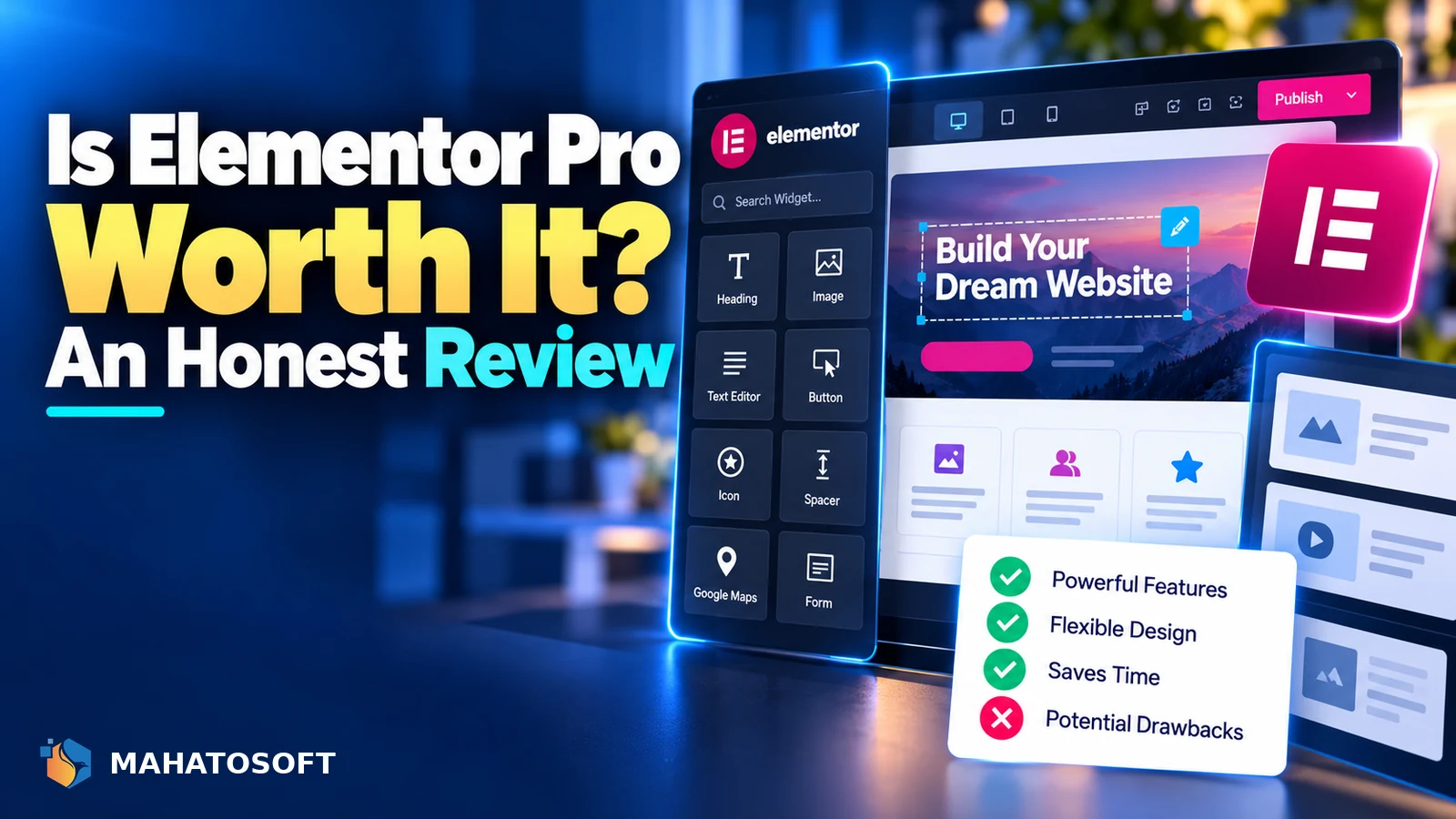
Is Elementor Pro worth it? The honest answer depends on what you are actually trying to build. For a WooCommerce store, a membership site, or several client sites, the extra widgets and theme builder usually pay for themselves quickly. For a simple one-page brochure site, free Elementor may genuinely be enough. Here is how to tell which camp you fall into.
Some links in this article are affiliate links. If you buy through them, Mahatosoft may earn a small commission at no extra cost to you.
Elementor’s free version, available on wordpress.org, already includes a real page builder with a solid set of widgets, responsive editing and templates. Elementor Pro sits on top of it as a paid add-on, not a separate product, so everything you learn in free Elementor carries over directly.
Check current pricing before deciding
Elementor’s plans and pricing change from time to time, so check the current pricing page directly rather than relying on a number you saw somewhere else. Plans are typically licensed per site count, with higher tiers covering more sites.
What Elementor Pro actually adds over free
| Feature | Free Elementor | Elementor Pro |
|---|---|---|
| Basic widgets (text, image, button, columns) | Yes | Yes |
| Theme Builder (custom header, footer, single post/product templates) | No | Yes |
| Popup Builder | No | Yes |
| Form widget with conditional logic and integrations | No | Yes |
| WooCommerce Builder widgets | No | Yes |
| Dynamic content and custom fields | No | Yes |
| Dedicated Landing Page template type | No | Yes |
Free Elementor is genuinely capable for building individual pages. What it cannot do is control your theme’s header, footer, or the layout that repeats across every post or product automatically, which is where Pro’s Theme Builder comes in.
Who genuinely needs Elementor Pro
- WooCommerce store owners who want to customise the product page, cart or checkout layout beyond what the theme provides by default.
- Anyone building multiple pages that share a consistent header and footer and wants to edit that layout in one place rather than per theme.
- Agencies and freelancers building for clients, since the form widget, popup builder and dynamic content save significant build time across projects.
- Membership or content-heavy sites needing custom archive and single-post templates that adapt automatically to different content types.
Who probably does not need it
If your site is a handful of static pages, built once and rarely changed, and your theme’s default header and footer already look right, free Elementor combined with a well-built theme may cover everything you need. The same goes for a very simple landing page for a single campaign, where a blank theme template plus free Elementor’s widgets are usually sufficient.
How Elementor Pro compares to alternatives
Gutenberg, WordPress’s built-in block editor, has closed much of the gap with page builders in recent years and is free, faster, and lighter on the page since it adds less extra code. Our separate comparison of Elementor vs Gutenberg covers that trade-off in detail if you have not settled on a builder yet.
Other page builders such as Bricks or Beaver Builder occupy similar territory to Elementor Pro, generally trading a steeper learning curve for lighter output. If you have already invested time learning Elementor, the upgrade path to Pro is usually the path of least resistance rather than switching tools entirely.
The performance trade-off is real
Page builders, including Elementor, add more markup and JavaScript than a minimal hand-coded theme, which can affect Core Web Vitals scores if not managed carefully. This is not unique to the paid version; it is inherent to how visual page builders work. A well-optimised Elementor site with a good caching setup performs perfectly well for most businesses, but it is worth factoring speed work into the budget alongside the Pro license itself, since that budget line is easy to forget when weighing is Elementor Pro worth it purely on features. Our guide to Core Web Vitals for WordPress covers the technical side.
Weighing the cost against what it saves you
The honest way to evaluate whether Elementor Pro is worth it for your situation is to estimate how many hours the Theme Builder, dynamic content and form features would save versus building the equivalent by hand or paying a developer to do so. For most small businesses building more than a couple of pages, or planning to add more content over time, the time saved covers the license cost within the first project.
It helps to think in terms of the specific task rather than the tool as a whole. A form with conditional logic and a CRM integration, built by hand in a theme, is realistically several hours of custom development; the same result in Elementor Pro’s form widget is a few minutes of configuration. Multiply that across every Pro feature you would actually use, and the license cost is usually recovered well before the site launches.
Can you switch away from Elementor Pro later?
Yes, though it takes some rebuilding work, since Pro-specific widgets like the Theme Builder templates and dynamic content do not have a direct equivalent in free Elementor or another builder. This switching cost is worth weighing upfront when deciding is Elementor Pro worth it for a long-term project. If you let the license lapse, pages built with free-tier widgets keep working, but Pro-only elements stop functioning until you renew or manually rebuild them with something else.
Try before you decide
Because free Elementor and Elementor Pro share the same editor, you can build a real page or two with the free version first and get a genuine feel for the interface before spending anything. If you then find yourself wanting a form with conditional logic, a popup, or a way to control the header and footer from one place, that is usually the moment “is Elementor Pro worth it” turns from a question into an easy yes for your specific project.
Elementor also documents every Pro feature on its own site, including the Theme Builder documentation, which is worth a look before purchasing so you know exactly what you are getting for the price.
Not sure which way to go?
We build with Elementor Pro when it genuinely earns its place, and skip it when it does not. See our Elementor Pro landing page package or contact us for an honest recommendation for your specific site.
Is Elementor Pro worth it: quick answers
Is Elementor Pro worth it for a small business with a handful of pages?
Often yes if you want consistent branded headers and footers, a contact form with integrations, or expect to add pages regularly. If the site is genuinely static and simple, free Elementor may cover it without the added cost.
Does Elementor Pro slow down my site more than free Elementor?
Not meaningfully more on its own; both versions add similar core overhead. Page speed depends far more on how many widgets, animations and third-party scripts you add than on which tier of Elementor you are using.
Is Elementor Pro worth it for a WooCommerce store specifically?
Generally yes, since the WooCommerce Builder widgets let you customise product pages, cart and checkout layouts without editing theme template files directly, which is a significant time saver for most store owners.
What happens to my site if I stop renewing Elementor Pro?
Pages built entirely with free-tier widgets continue to work normally. Any Pro-specific elements, such as Theme Builder templates, popups or dynamic content, stop functioning until the license is renewed or those sections are rebuilt another way.