

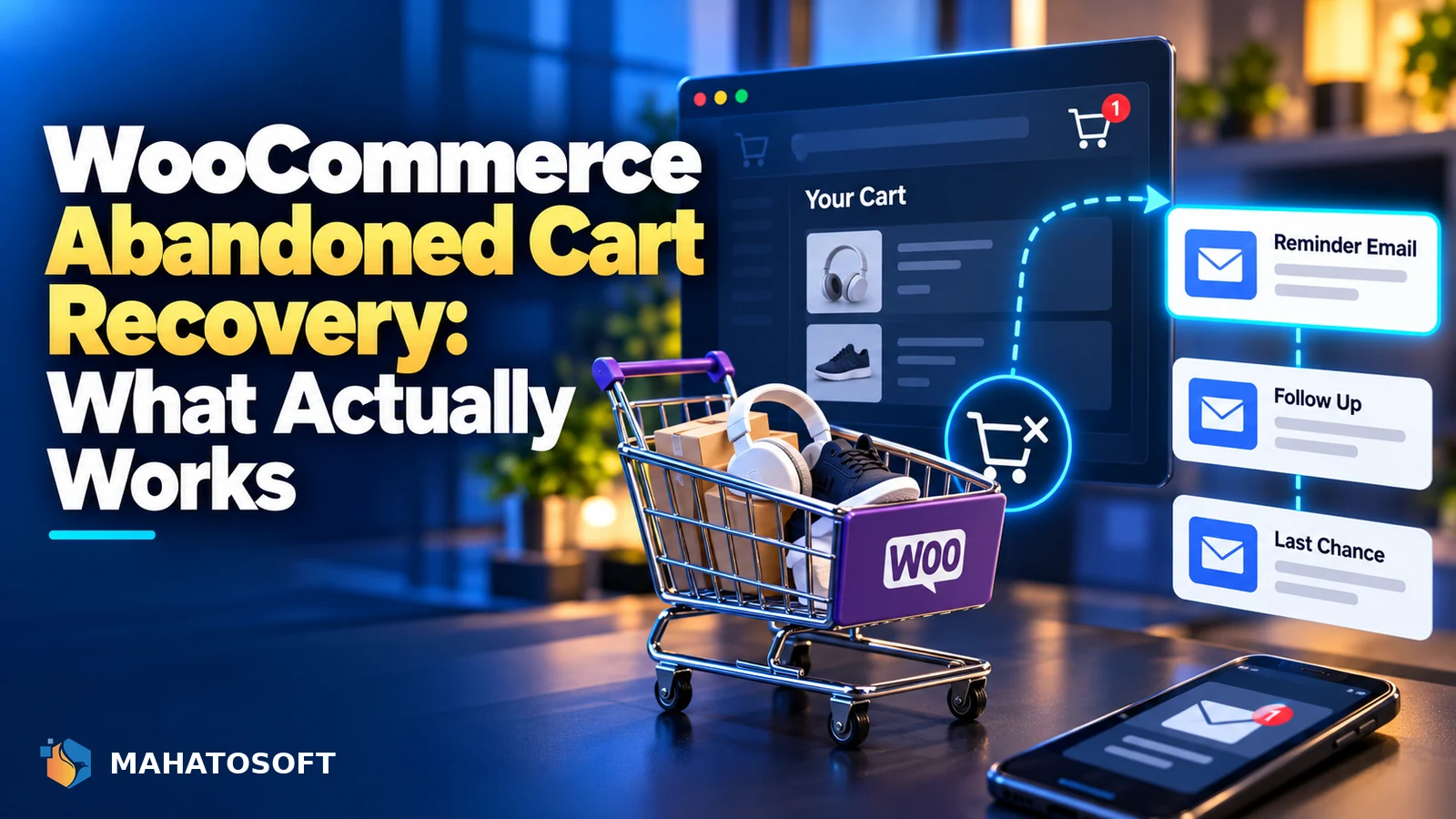
Most people who add something to a WooCommerce cart never finish paying for it. WooCommerce abandoned cart recovery is the set of tools and emails that bring some of those shoppers back to complete the order. Done well, it recovers real revenue for almost no extra traffic; done badly, it is a handful of emails nobody opens.
This guide covers what WooCommerce gives you by default, how to pick a recovery plugin, and how to build a sequence that actually gets read instead of marked as spam.
Check the basics first
Before adding a recovery plugin, confirm your normal order emails are being delivered. If WooCommerce order emails are not sending reliably, recovery emails will have the same problem.
Why WooCommerce carts get abandoned
Shoppers leave a cart for reasons that have nothing to do with your product. Unexpected shipping costs at the final step, a checkout that asks for an account before anything else, a slow-loading payment page, or simply comparing prices on another tab are the common ones.
Some of this is fixable with recovery emails. Some of it is fixable by removing the friction in the first place, which is cheaper and works on every visitor, not just the ones who left an email address.
What WooCommerce gives you out of the box
Core WooCommerce does not send recovery emails. It keeps a cart in the session and, if the shopper starts checkout and WooCommerce creates a “pending payment” or “failed” order, that order sits in your WooCommerce → Orders list. You can see it, but nothing follows up automatically.
This matters for two reasons. First, a shopper who never reached checkout has left no order and no email address for WooCommerce to recover, only third-party cart-tracking scripts can catch that. Second, a “pending payment” order already has contact details, so it is the easiest case to recover and worth chasing before anything else. The official WooCommerce documentation explains what each order status means.
Choosing a plugin for woocommerce abandoned cart recovery
Every serious WooCommerce abandoned cart plugin does three things: it captures the shopper’s email early (often from the checkout field before payment), it schedules a sequence of follow-up emails, and it gives you a dashboard of recovered orders and revenue. Beyond that, plugins differ mainly in how they capture guest carts and whether they double as full marketing automation.
| Type | Good fit for | Watch out for |
|---|---|---|
| Lightweight cart-recovery-only plugin | Small stores wanting one job done well | Fewer trigger conditions and templates |
| Automation suite with abandoned cart built in | Stores also running upsells, SMS or loyalty flows | More setup, more moving parts to maintain |
| Built into your email marketing tool (e.g. as a WooCommerce integration) | Stores already sending newsletters from that tool | Needs the store connected and synced correctly |
Whichever you choose, check it captures guest emails from the checkout form as the shopper types, not only from logged-in accounts. Most abandoned carts belong to guests.
Capture the cart before checkout begins
The earlier you have an email address, the more carts you can follow up on. Options include:
- Capturing the email field on the checkout page itself, before shipping and payment are filled in.
- Offering guest checkout instead of forcing an account, since a forced signup is one of the biggest drop-off points.
- Using a newsletter signup or a discount popup that collects an email before the shopper even adds anything to the cart.
Never pre-tick a marketing consent box to get around this. Consent for marketing email has to be a clear, unticked opt-in in most jurisdictions, and the FTC’s CAN-SPAM guide sets out the baseline rules if you sell to US customers.
Building an email sequence that works
A short, well-timed sequence outperforms a long one. Three emails is enough for most stores:
| Timing | Goal | |
|---|---|---|
| 1 | 30–60 minutes after leaving | Friendly reminder, show the exact items left in the cart |
| 2 | 24 hours later | Answer objections: shipping cost, returns policy, stock level |
| 3 | 48–72 hours later | A time-limited incentive, only if margin allows it |
Keep the first email plain and personal rather than a full marketing template with a dozen product images. It reads less like a promotion and more like a genuine follow-up, which also helps it avoid spam filters.
Getting the recovery emails delivered
A woocommerce abandoned cart sequence is worthless if it lands in spam. The same rules apply as any other transactional or marketing email from your store: your domain needs SPF, DKIM and DMARC published, and the sending service needs to be authenticated for your domain rather than sending as an unrelated address.
If your store’s order confirmation emails already reach the inbox reliably, recovery emails from the same sender usually do too. If they do not, work through our guide to WordPress not sending emails and the free SPF, DKIM and DMARC checker before you invest more time in the recovery sequence itself.
Reduce abandonment in the first place
Recovery emails treat the symptom. It is worth spending some effort on the cause, because it improves conversion for every shopper, not only the ones who gave you an email address:
- Show shipping costs and estimated delivery on the cart page, not for the first time at the final step.
- Offer at least one guest checkout path with as few required fields as possible.
- Make sure the checkout itself is not broken for some payment methods; if WooCommerce checkout is not working for part of your traffic, no recovery sequence will fix that.
- Add trusted payment badges and a visible returns policy near the payment button.
Measuring what actually gets recovered
Most WooCommerce abandoned cart plugins report “recovered revenue” from any order placed after a recovery email was sent, which can overstate results if the shopper was always going to come back. A more honest view compares your checkout completion rate before and after turning the sequence on, over a few weeks, alongside your normal WooCommerce and WooCommerce Analytics order reports.
Watch unsubscribe and spam-complaint rates too. A sequence that recovers a few extra orders but pushes your domain’s spam rate up is a bad trade, since it can hurt deliverability for every other email your store sends.
Want the whole store set up properly?
We build WooCommerce stores from $700, including checkout, payments and email flows, and fix existing WooCommerce sites from $45. Tell us about your store or see the website fix service.
WooCommerce abandoned cart recovery: quick answers
Does WooCommerce have abandoned cart recovery built in?
No. Core WooCommerce stores pending and failed orders, but it does not send any follow-up emails on its own. You need a plugin, an automation tool, or your email marketing platform’s WooCommerce integration to send the sequence.
How many recovery emails should a WooCommerce abandoned cart sequence send?
Two or three is usually enough: a quick reminder within an hour, a follow-up the next day, and an optional incentive after that. More emails tend to increase unsubscribes without adding many recovered orders.
Why are my abandoned cart emails going to spam?
The most common cause is the same as any other business email: missing or broken SPF, DKIM or DMARC records, or sending through a service not authenticated for your domain. Check the sending domain with a free checker before assuming the content is the problem.
Can I recover carts from guests who never gave an email address?
Not by email, since there is nothing to send to. Some plugins use browser cookies to show a returning-visitor discount instead, which works for repeat visits but is not the same as a targeted recovery email.
Discussion
Join the conversation
No comments yet. Share a question or what worked for you.