

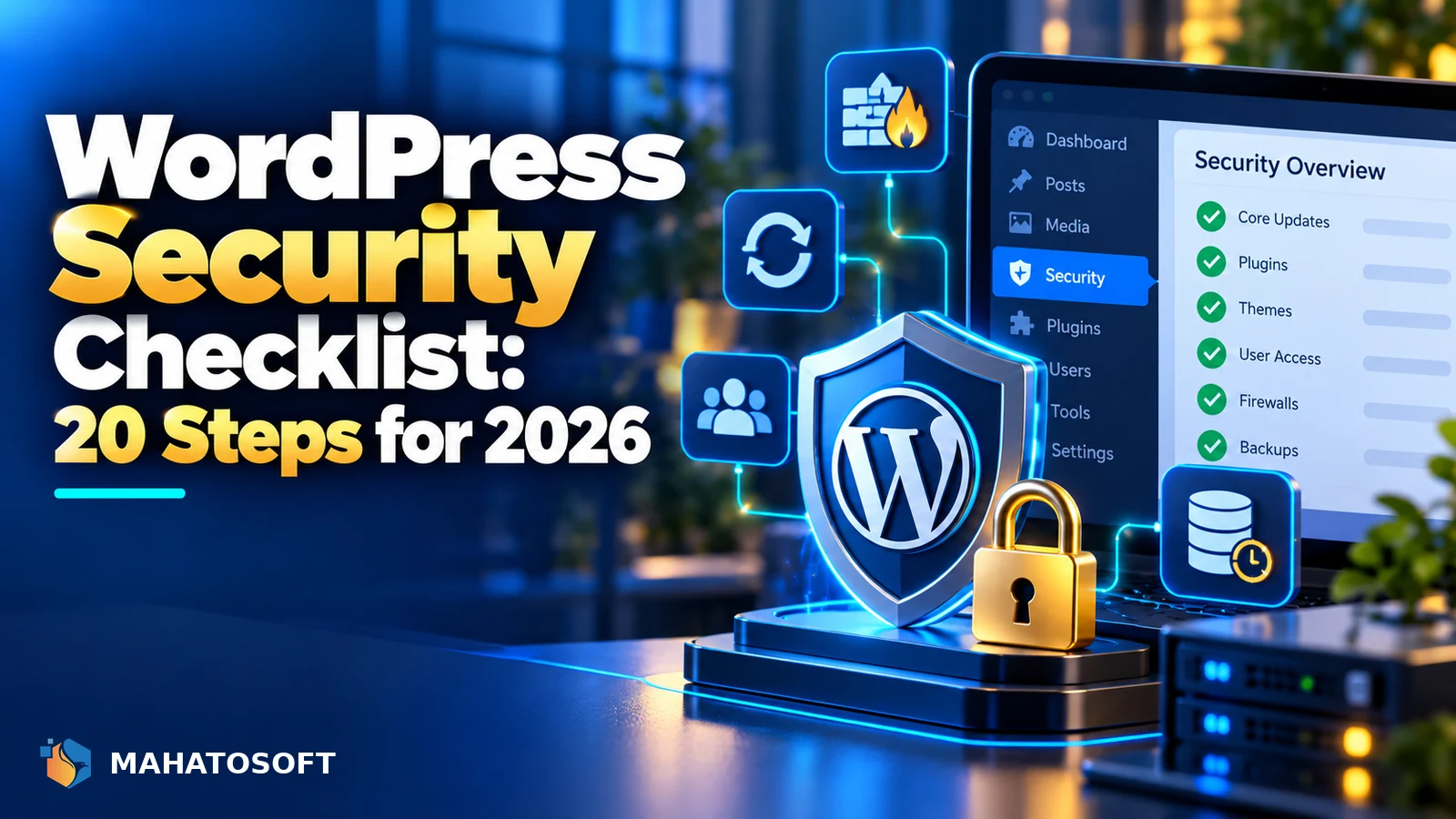
A solid WordPress security checklist covers a handful of things that stop the overwhelming majority of attacks: weak passwords, out-of-date software, and unrestricted admin access. Most WordPress hacks are automated scripts scanning for exactly these gaps, not a targeted attack on your specific business. Work through this list once, then keep the ongoing items on a schedule.
None of this requires deep technical knowledge. Most items are a setting to change or a plugin to install, and together they close the doors that automated attacks rely on.
Already compromised?
If your site is showing strange redirects, unfamiliar admin users, or a browser warning right now, this checklist is for prevention. Start with our guide to what to do when a WordPress site is hacked instead.
1. Lock down accounts and passwords
- Delete the default admin username if your site still has one, and never publish content under an account called “admin” or your business name.
- Use a unique, long password for every admin account, generated by a password manager rather than typed from memory.
- Turn on two-factor authentication for every account with publishing or admin access, so a leaked password alone is not enough to log in.
- Remove user accounts nobody uses any more, especially old contractor or developer logins.
- Give each user the lowest role that lets them do their job; not everyone who writes content needs Administrator access.
2. Keep everything updated
Out-of-date plugins and themes are the single largest source of WordPress hacks, because known vulnerabilities in old versions are public and easy for automated scanners to find. Update WordPress core, every plugin and your theme as soon as updates are available, not on a “when I get around to it” schedule.
| Item | How often |
|---|---|
| WordPress core | As soon as available; enable auto-updates for minor releases |
| Plugins and themes | Weekly check, immediately for security releases |
| PHP version | Keep on a currently supported version |
| Unused plugins/themes | Delete, do not just deactivate |
A deactivated plugin still sits on your server and can be exploited if it has a known vulnerability, so remove anything you are not actually using rather than leaving it dormant.
3. Harden the basics
- Disable file editing from the dashboard by adding
define( 'DISALLOW_FILE_EDIT', true );towp-config.php, so a compromised admin account cannot edit theme or plugin files directly. - Limit login attempts with a security plugin, to slow down automated password-guessing, commonly called a brute force attack.
- Change the default
/wp-login.phppath with a plugin if you get heavy bot traffic against it, though this is a convenience measure, not a real security boundary on its own. - Set correct file and folder permissions, generally 644 for files and 755 for folders, and never 777.
4. Back up properly, and test the restore
A tested backup is the difference between a bad afternoon and losing your site permanently. Keep automated daily backups stored off the same server as the site, so a server-level compromise cannot take out your backups too. Test restoring from a backup at least once, since a backup you have never restored is unverified.
5. Add a security plugin or firewall
No WordPress security checklist is complete without a plugin or firewall layer. A security plugin such as Wordfence or Sucuri adds a web application firewall, malware scanning, and login protection in one place. Compare a couple of options carefully rather than installing several at once, since two security plugins running together often conflict. A firewall at the network level, such as Cloudflare, adds another layer before traffic even reaches your server.
6. Use HTTPS everywhere, correctly
An SSL certificate is standard on almost every host now, but confirm your whole site forces HTTPS, including the admin area and login page, and that there is no mixed content warning undermining it. Weak or missing HTTPS makes login credentials vulnerable to interception on unsecured networks.
7. Monitor for changes
- Use a file integrity monitor or your security plugin’s scanner to alert you to unexpected file changes.
- Set up uptime monitoring so you hear about downtime or a defacement before a customer tells you.
- Review the user list periodically for accounts you do not recognise, a classic sign of a successful attack.
- Check Search Console for manual actions or security issues Google has flagged, since a hacked site is sometimes noticed there before you see it yourself.
8. Choose hosting that takes security seriously
Good hosting belongs on any WordPress security checklist too. Shared hosting quality varies enormously. A host that isolates accounts from each other, patches its server software promptly, and offers free malware scanning removes a layer of risk you cannot control from inside WordPress alone. This is worth weighing up alongside price and speed the next time you choose or renew a hosting plan.
9. Secure the database and admin URL
Change the default database table prefix from wp_ during installation if you are setting up a new site, since a non-default prefix removes one assumption automated SQL injection attempts rely on. On an existing site this is a bigger change and usually not worth the risk of doing it yourself; leave it to a developer if you want it done.
Also make sure database credentials in wp-config.php are not accessible from outside the server, and that a backup copy of the file is never left in a publicly accessible folder.
Turn this into a routine, not a one-off
A WordPress security checklist only helps if it is repeated. Set a recurring time each month to check for outstanding updates, review user accounts, and confirm backups actually ran. OWASP’s Top Ten is worth a skim if you want to understand the categories of vulnerability this checklist is protecting against, even though it is written for web applications generally rather than WordPress specifically.
Rather have it handled for you?
We provide ongoing WordPress security and hack recovery from $120, with an emergency lane on WhatsApp for active attacks, plus ongoing maintenance plans that keep updates and backups running for you. Contact us to get started.
WordPress security checklist: quick answers
What is the single most important item on a WordPress security checklist?
Keeping WordPress core, plugins and themes updated prevents more attacks than any other single measure, since most automated hacks target known vulnerabilities in outdated software rather than finding new ones.
Do I need a security plugin if my host already offers security features?
Host-level protection and a WordPress security plugin cover different layers and work well together. Host firewalls catch server-level attacks, while a plugin like Wordfence or Sucuri adds application-level scanning and login protection specific to WordPress.
How often should I go through a WordPress security checklist?
Do a full review when the site launches, then repeat the ongoing items, such as updates, backups and user account checks, monthly. A major change, like adding a new plugin ecosystem or an ecommerce checkout, is a good trigger for an extra review.
Can following a security checklist guarantee my site will not be hacked?
No security measure is a complete guarantee, but working through this checklist closes the gaps that the vast majority of automated attacks rely on, which is where almost all real-world WordPress hacks come from.
Discussion
Join the conversation
No comments yet. Share a question or what worked for you.