

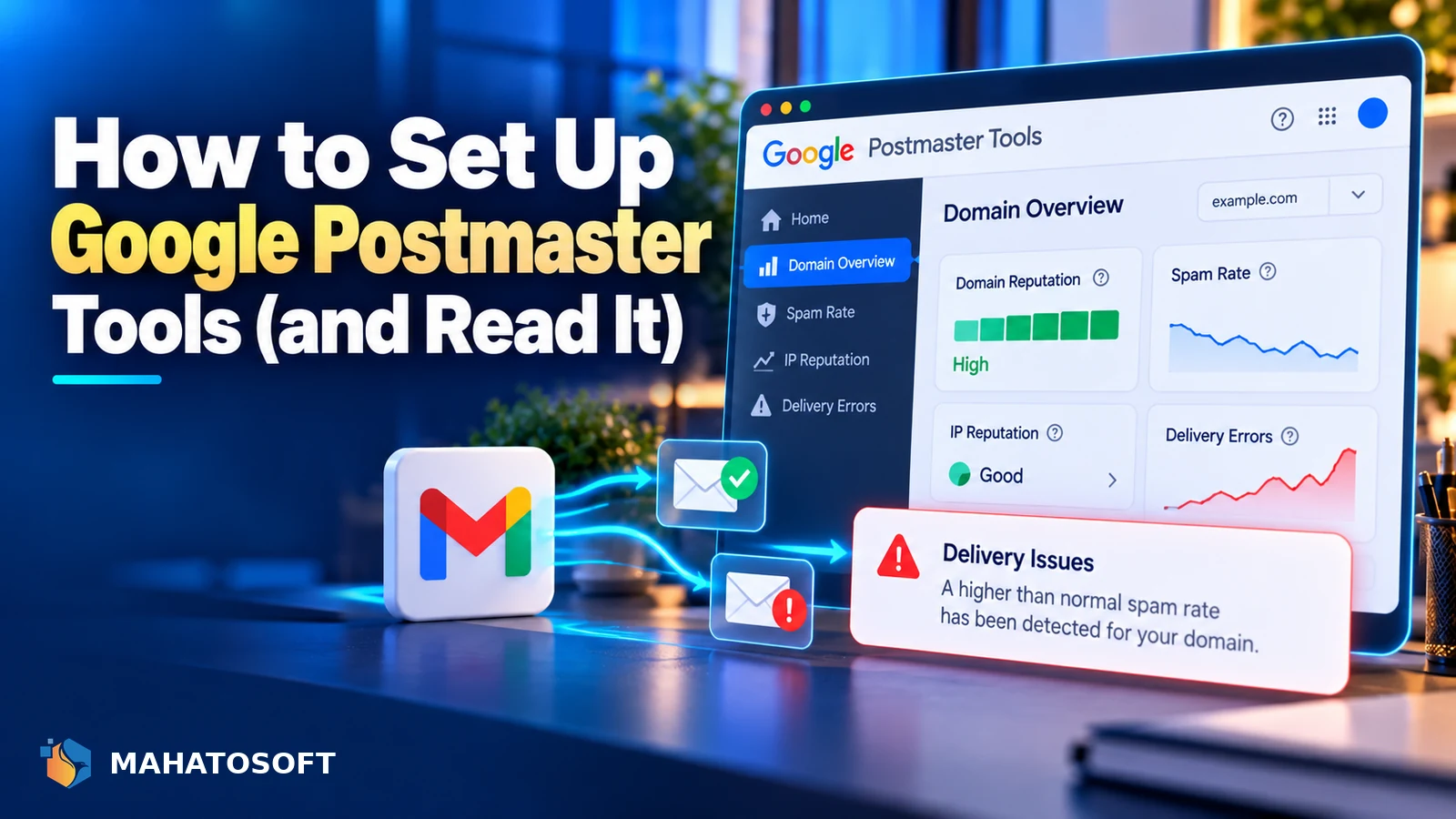
Google Postmaster Tools setup takes about five minutes and gives you the closest thing to a direct line into how Gmail sees your outgoing mail. It reports your spam rate, authentication results and delivery errors specifically for the mail your domain sends to Gmail addresses, which is data you cannot get any other way.
The tool has changed over the past couple of years: Google retired the old “Domain Reputation” and “IP Reputation” dashboards that gave a simple low, medium, high or bad rating. The data that remains, spam rate, authentication and encryption, is still the most useful part for most senders.
You need SPF, DKIM or DMARC first
Postmaster Tools only reports meaningfully once your domain sends authenticated mail. If SPF, DKIM or DMARC are missing, put your domain into our free checker before setting this up, since there will be little useful data to see otherwise.
What Google Postmaster Tools actually shows you
| Report | What it tells you |
|---|---|
| Spam rate | The share of your mail Gmail users mark as spam; Google asks senders to stay under 0.3%, ideally under 0.1% |
| Authentication | What percentage of your mail passes SPF, DKIM and DMARC |
| Encryption | What percentage of your mail is delivered over an encrypted (TLS) connection |
| Delivery errors | Rejections and temporary failures, with the reason Gmail gave |
| Feedback loop | Aggregated spam complaint data, if you have it set up separately |
The domain and IP reputation dashboards, which used to show a simple rating, are no longer part of the tool. Spam rate is now the closest equivalent signal, since it reflects the same underlying behaviour Gmail’s reputation systems weigh.
1. Add and verify your domain
Go to postmaster.google.com and sign in with any Google account; it does not need to be a Google Workspace account for your domain. Click Add Domain and enter your sending domain.
Google asks you to verify ownership, usually with a TXT record in your DNS, the same way you would verify a domain in Google Search Console. Add the record, wait for DNS to propagate, typically minutes to a few hours, then click Verify. Google’s own setup instructions cover the verification step in more detail if the TXT record does not confirm right away.
2. Confirm SPF, DKIM and DMARC are actually working
Postmaster Tools reports on authentication, but it will not tell you how to fix it. Before relying on the data, confirm SPF, DKIM and DMARC are correctly set up and aligned for the domain you added. Our guide to why emails go to spam covers all nine common causes if any of these three come back failing.
3. Read the spam rate graph correctly
The spam rate graph shows a daily percentage, with Google’s own guidance to stay below 0.3% and a stated goal of under 0.1%. A spike is worth investigating immediately, since a high spam rate is one of the strongest negative signals in Gmail’s filtering, and it can affect your delivery to Gmail addresses even outside the specific campaign that caused it.
A blank or “not enough data” message on any graph usually means your sending volume to Gmail addresses is too low for Google to report on reliably, not that something is broken.
4. Read the authentication and encryption reports
These reports break down SPF, DKIM and DMARC pass rates as a percentage of your mail, day by day. A drop that lines up with a new sending service, such as a newsletter tool or a helpdesk you connected, usually means that service was not added to your SPF record or is not signing with DKIM correctly. Fix the specific record and watch the graph recover over the following days.
5. Use delivery errors to catch problems early
The delivery errors report groups bounces and temporary failures by the reason Gmail gave, which is often more specific than what you would see from your own sending service’s logs. Recurring errors here, especially ones tied to authentication or reputation, are worth investigating before they grow into a larger deliverability problem.
6. Add every domain and subdomain you send from
If you send from more than one domain, or from a subdomain used specifically for marketing or transactional mail, add each one separately. Data does not roll up automatically between a domain and its subdomains, so a clean spam rate on your main domain will not tell you anything about a newsletter subdomain sending under a different DKIM selector.
7. How often to check it
A quick check once a week is enough for most businesses, mainly watching for a spike in spam rate or a sudden drop in authentication pass rate. Check it more closely for a few days after any change to your sending setup, such as switching email providers, adding a new marketing tool, or rotating a DKIM key, since these are the moments most likely to introduce a new problem.
Is Google Postmaster Tools worth setting up for a small business?
If you send in genuine bulk, such as a newsletter or transactional mail from an ecommerce store, yes, it is worth the five minutes. If you send only low-volume person-to-person business email, the tool may show “not enough data” most of the time, and checking your domain with our free checker periodically covers most of what you need instead.
It is also worth setting up if you are troubleshooting an existing deliverability problem, even at low volume, since the delivery errors report can surface a specific rejection reason that would otherwise take much longer to track down through trial and error alone.
Rather have it set up and monitored for you?
We set up SPF, DKIM and DMARC correctly, and can configure Google Postmaster Tools alongside it, for $49 flat, usually the same day. Get it fixed or see our step-by-step setup guides.
Google Postmaster Tools setup: quick answers
Is Google Postmaster Tools setup free?
Yes, it is a free tool from Google. It requires a Google account and the ability to add a TXT record to your domain’s DNS to verify ownership.
Does Google Postmaster Tools still show a domain reputation score?
No, Google retired the Domain Reputation and IP Reputation dashboards. Spam rate, authentication and encryption data are still available and now serve as the closest practical signals to the old reputation score.
Why does Google Postmaster Tools show no data for my domain?
This usually means your sending volume to Gmail addresses is too low for Google to report on reliably, or your domain was only recently verified and has not accumulated enough data yet. It is not necessarily a sign of a problem.
Do I need Google Postmaster Tools if I already use an SPF checker?
They answer different questions. An SPF, DKIM and DMARC checker confirms your DNS records are correctly published; Postmaster Tools shows how Gmail actually treats your mail in practice, including spam complaints, which a DNS checker cannot see.



Discussion
Join the conversation
No comments yet. Share a question or what worked for you.