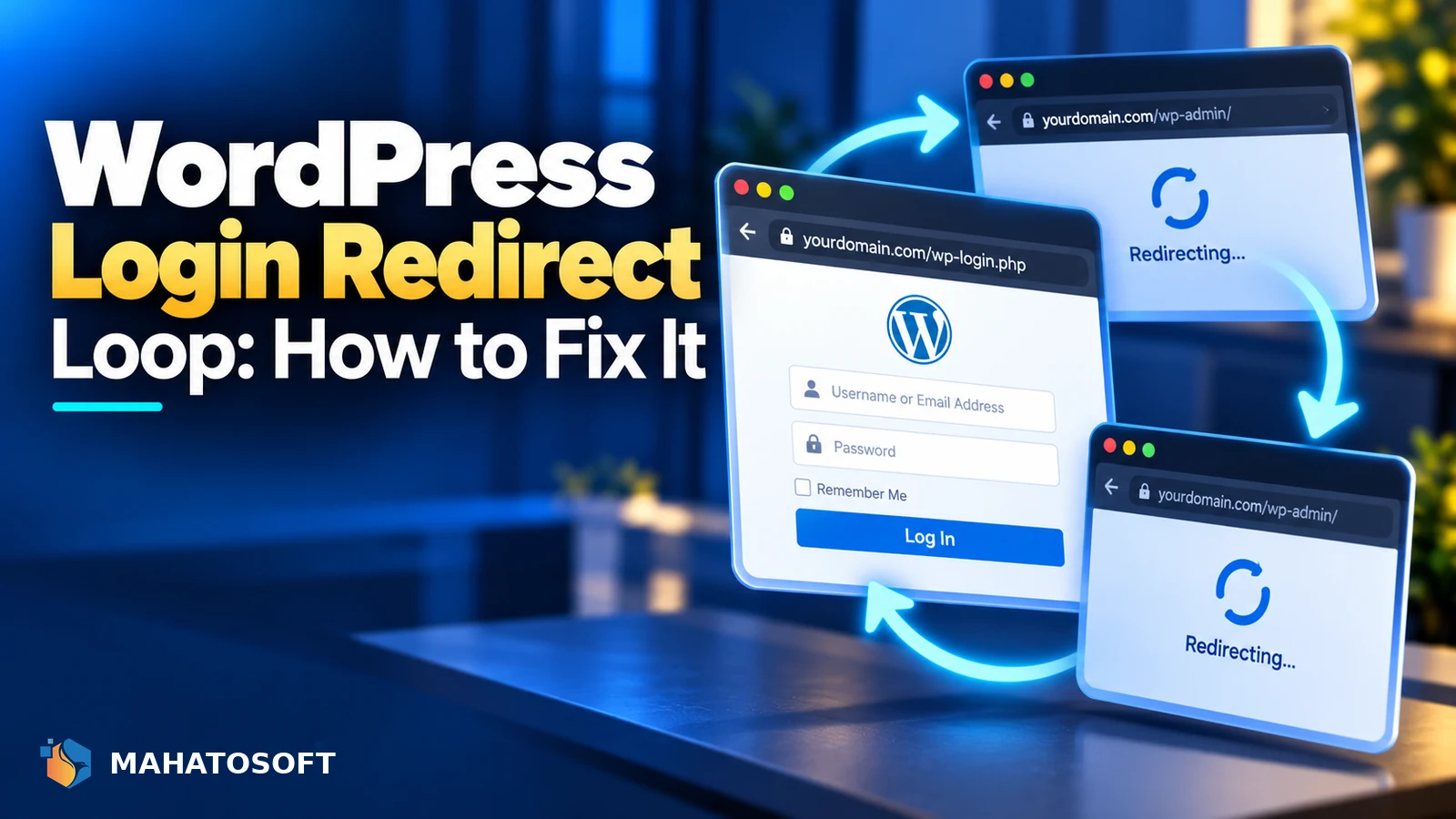
A wordpress login redirect loop sends you back to the login screen over and over after entering the correct password, without ever reaching wp-admin. It looks alarming but is almost always caused by a mismatched site URL, a bad cookie, or a plugin conflict rather than anything more serious. This guide works through the fixes in the order that resolves it fastest.
The browser usually shows a message like “too many redirects” or “this page isn’t working” after several attempts, because the site keeps sending you back to wp-login.php in an endless cycle instead of the dashboard.
Try this first: clear cookies for the site
In your browser, clear cookies specifically for your domain (not your whole browser), or try logging in from a private/incognito window. A stale or corrupted authentication cookie is the single most common cause and this fixes it in seconds if that is what is wrong.
1. Mismatched WordPress Address and Site Address
Under Settings → General, WordPress stores two URLs: WordPress Address (URL) and Site Address (URL). If they do not match, or one still has http:// while the site actually runs on https://, WordPress can get stuck redirecting between them during login.
This mismatch is one of the more common causes behind a broader WordPress 500 internal server error too, so the same fix is worth trying if you see that message instead of a clean redirect loop. If you cannot reach wp-admin at all to check this, edit wp-config.php directly and add these two lines above the “stop editing” comment, replacing the placeholder with your real domain:
define( 'WP_HOME', 'https://yourdomain.com' );
define( 'WP_SITEURL', 'https://yourdomain.com' );
This forces both values regardless of what is stored in the database, which is often enough to break the loop immediately.
2. HTTPS/SSL configuration issues
A wordpress login redirect loop is especially common right after adding or renewing an SSL certificate. If your site URLs are set to https:// but the server is not actually serving HTTPS correctly, or a plugin is forcing HTTPS in a way that conflicts with your hosting setup, the login page can redirect in a loop trying to reconcile the two.
Check that your SSL certificate is valid and correctly installed using a tool like SSL Labs’ SSL test. If you use Cloudflare, check that its SSL/TLS mode is set to Full or Full (strict) rather than Flexible, since Flexible mode is a common cause of redirect loops on WordPress sites behind Cloudflare.
3. A plugin or theme conflict
Security plugins, caching plugins and some membership or login-related plugins can interfere with the authentication cookie or add their own redirect rule that conflicts with WordPress’s normal login flow.
If you can reach wp-admin through a workaround, such as a different browser or after the cookie clear above, deactivate all plugins from Plugins and test login normally. If you cannot reach wp-admin at all, rename the plugins folder to something like plugins-disabled via SFTP, which deactivates every plugin at once; WordPress will show them as deactivated when you rename the folder back.
4. Corrupted or conflicting cookies
| Symptom | Likely cause |
|---|---|
| Loop happens in every browser you try | Server-side cause: URL mismatch, SSL, or a plugin |
| Loop only happens in one browser or device | Local cookie or browser extension issue |
| Loop started right after an SSL change | HTTPS/SSL configuration |
| Loop started right after a plugin update | Plugin conflict |
If the loop is device- or browser-specific, also check for a browser extension that blocks or modifies cookies, such as some privacy or ad-blocking extensions, and try disabling it temporarily.
5. .htaccess redirect rules
Custom rewrite rules added to .htaccess, either by you, a developer, or a plugin, can occasionally catch the login page in an unintended redirect. Temporarily replace your .htaccess with the WordPress default to test:
<IfModule mod_rewrite.c>
RewriteEngine On
RewriteBase /
RewriteRule ^index.php$ - [L]
RewriteCond %{REQUEST_FILENAME} !-f
RewriteCond %{REQUEST_FILENAME} !-d
RewriteRule . /index.php [L]
</IfModule>
If login works normally with the default file, restore your custom rules one section at a time to find the one causing the conflict. A malformed .htaccess file, or one with unrelated but conflicting rules, is also a common cause behind the separate ERR_TOO_MANY_REDIRECTS error, which is worth reading if the loop affects more pages than just login.
6. WP_HOME and WP_SITEURL already set incorrectly
If wp-config.php already has WP_HOME or WP_SITEURL defined with the wrong value, for example left over from a migration, it overrides whatever is in the database and can itself be the cause of the loop rather than the fix. Double-check these constants match your actual current domain and protocol exactly.
A note on WordPress Multisite
On a Multisite network, a redirect loop on one subsite sometimes traces back to the network’s own domain mapping settings rather than the individual site’s URL options, since subsites inherit some configuration from the main site. If the loop only affects one subsite out of several, check the network admin’s site settings before assuming it is the same cause as a single-site install.
Fixing the site URL directly in the database
If wp-config.php edits do not help and you have phpMyAdmin access, open the wp_options table, find the rows where option_name is siteurl and home, and confirm their option_value matches your real domain with the correct protocol. The WordPress wp-config.php handbook page explains how these settings interact with the database values if you want the full detail.
Rather have it fixed for you?
We fix wordpress login redirect loops and other access issues from $45, usually the same day. Get your website error fixed.
WordPress login redirect loop: quick answers
Why does the wordpress login redirect loop only happen after I renew my SSL certificate?
This usually means your site URLs or a plugin’s HTTPS enforcement briefly disagree with the new certificate’s configuration during the renewal window. Check your SSL/TLS mode if you use Cloudflare, and confirm WordPress Address and Site Address both use https correctly.
Can a security plugin cause a wordpress login redirect loop?
Yes, particularly plugins that add extra login verification steps, IP restrictions, or their own redirect-based two-factor authentication. Deactivating plugins is a reliable way to confirm whether one of them is the cause.
Will clearing cookies delete anything on my WordPress site?
No, clearing your browser’s cookies only affects your own browser’s stored login session for that site. It does not touch anything stored on the server, your database, or your content.
What if I cannot access wp-admin, SFTP or phpMyAdmin at all?
Contact your hosting support directly; most hosts can access files or the database on your behalf to fix a URL mismatch or rename a plugins folder, even without your own SFTP or phpMyAdmin access working. Give them the exact wording of any error message and roughly when the loop started, since that context usually lets a support technician jump straight to the right fix instead of working through every possible cause from scratch.