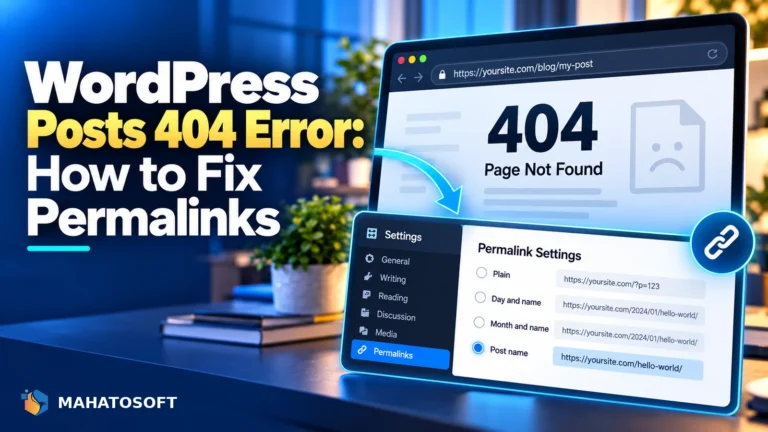
WordPress Posts 404 Error: How to Fix Permalinks
WordPress posts 404 while the homepage works fine? It is almost always the permalinks or rewrite rules. Here is the fix, step by step.
Sukumar Mahato · 11 November 2026
Read article →

Step-by-step fixes for the WordPress errors people search for most — database errors, white screens, redirects, 500s and more.
11 articles match
Clear filters ✕WordPress posts 404 while the homepage works fine? It is almost always the permalinks or rewrite rules. Here is the fix, step by step.
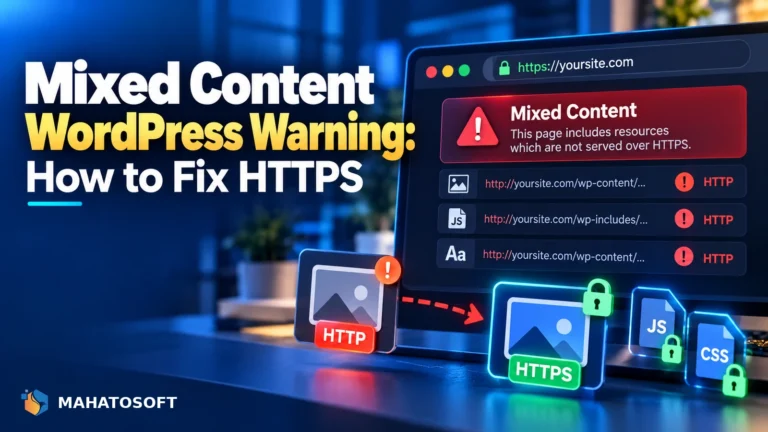
A mixed content warning means one HTTP file is loading on your HTTPS site. Here is how to find every source and fix it for good.
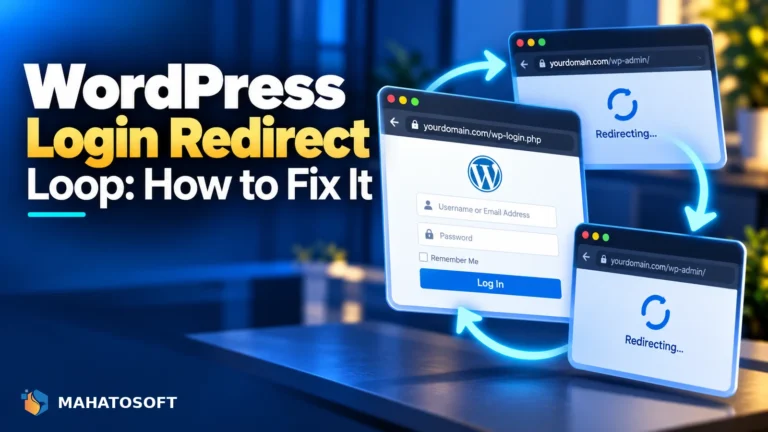
Stuck in a wordpress login redirect loop that sends you back to the login screen? Fix the URL, SSL and plugin causes with these six checks.
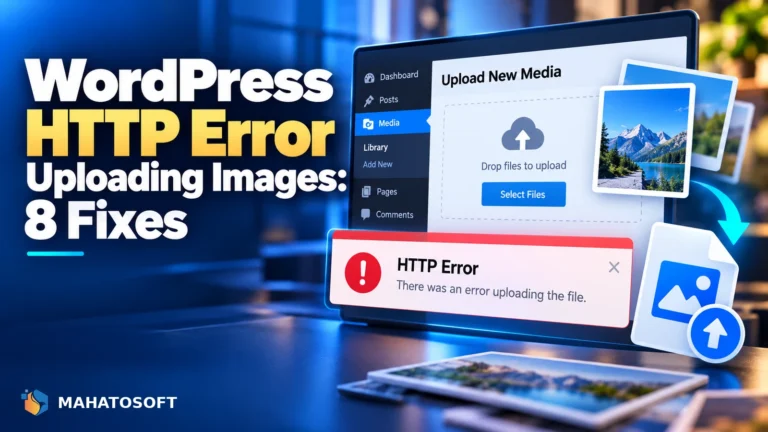
Getting a wordpress http error uploading images to the media library? Check memory limits, file size caps, permissions and plugin conflicts.
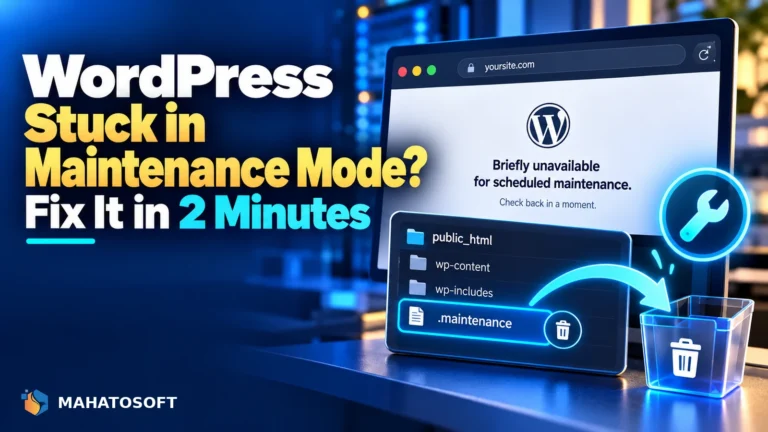
WordPress stuck in maintenance mode after an update? Delete one leftover file to fix it in minutes, plus what to check if that alone does not work.
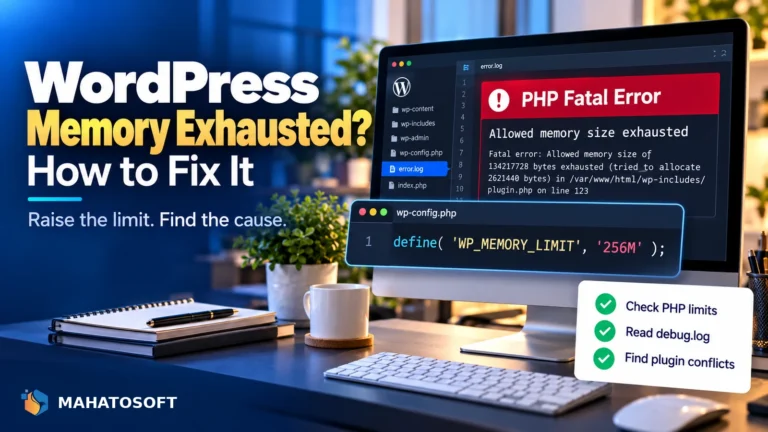
Getting an allowed memory size exhausted fatal error in WordPress? Raise the limit safely, then find and fix the plugin actually causing it.
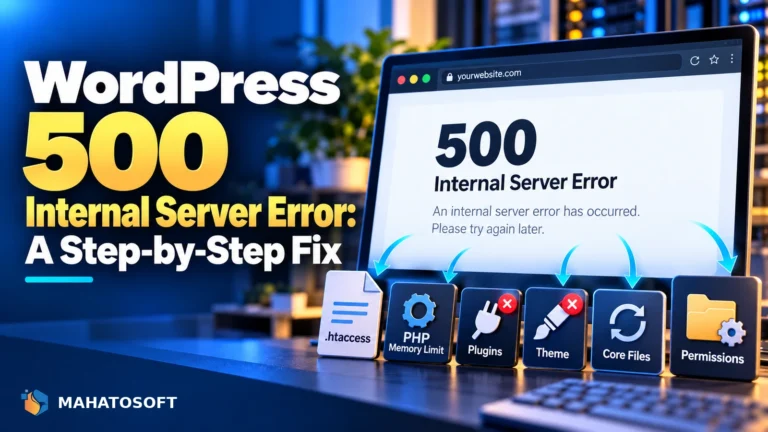
A WordPress 500 internal server error can come from .htaccess, PHP memory or a plugin conflict. Here are eight fixes, in the fastest order.
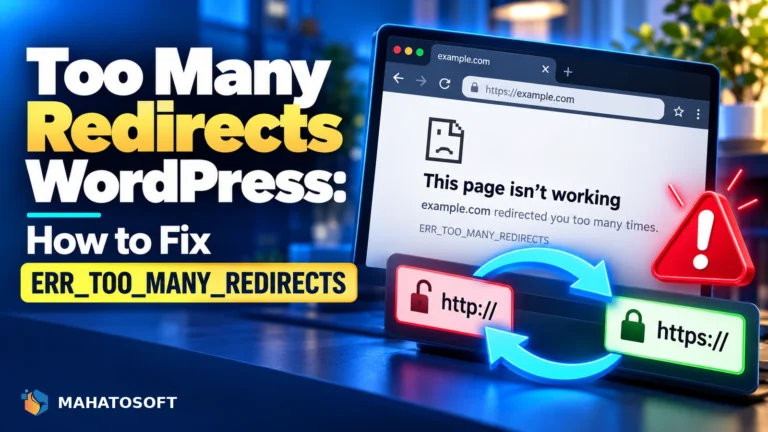
Too many redirects WordPress errors almost always come down to an HTTP/HTTPS mismatch. Here are seven fixes, in the order that finds it fastest.
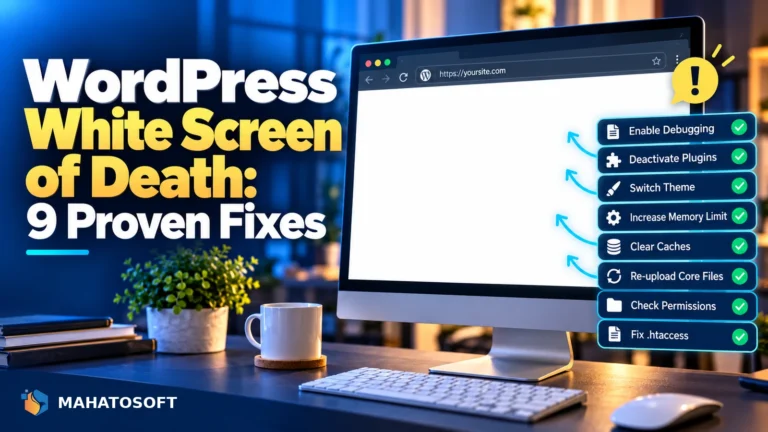
The WordPress white screen of death gives you no error message at all. Here are nine fixes, in the order that finds the cause fastest.
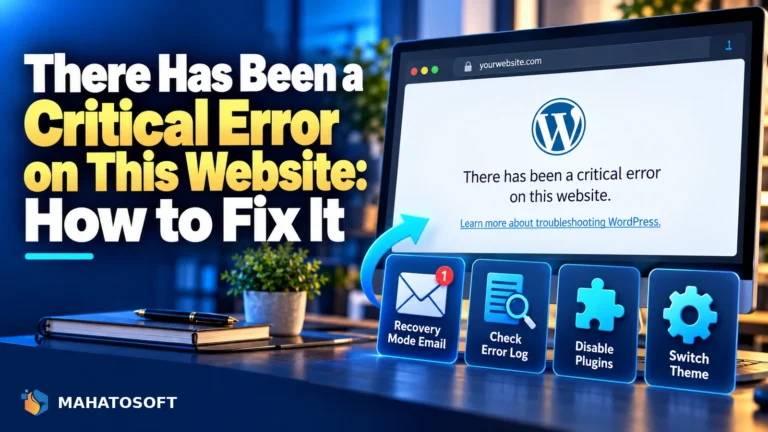
There has been a critical error on this website is WordPress hitting a fatal PHP error. Here is the fastest way to find the cause and fix it.
Free 15-minute consultation
Tell us what you need built or fixed. You get an approach, a timeline and a fixed price — usually within a few hours.
Welcome back! Sign in to your account.
Don't have an account?
Create your Mahatosoft client account.
Already have an account?