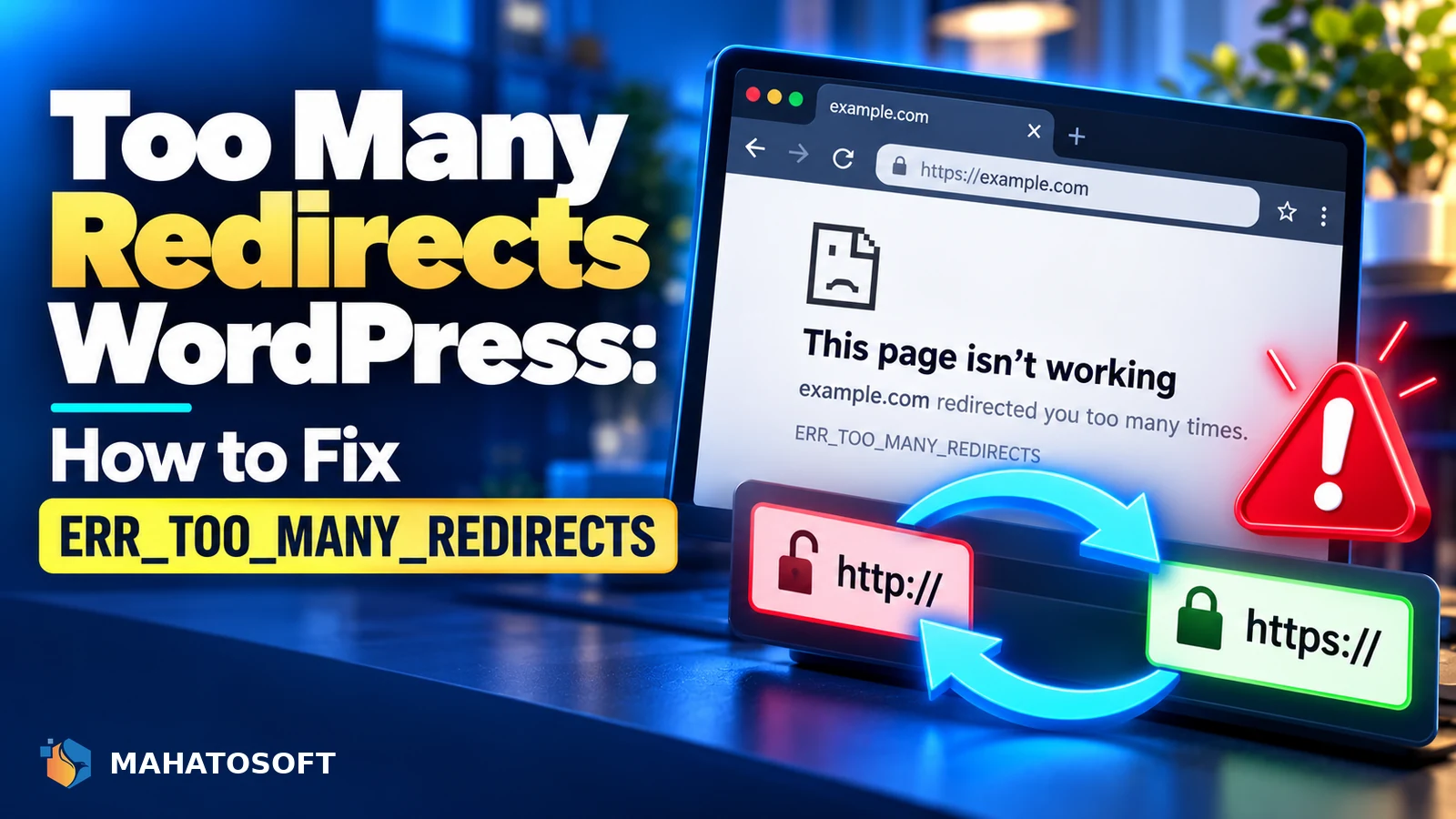
Too many redirects WordPress errors show up as “ERR_TOO_MANY_REDIRECTS” in Chrome or “redirected you too many times” in other browsers, and the site never actually loads. It almost always comes down to a mismatch between what WordPress thinks your site’s address is and what is actually serving the page, most often around HTTP versus HTTPS. This guide finds the mismatch and fixes it.
Because this error happens before any page content loads, you cannot fix it from inside wp-admin if the admin area is also caught in the loop. Most of the fixes below use SFTP, your host’s file manager, or phpMyAdmin instead.
Check in an incognito window first
Cookies from a previous, different SSL configuration commonly cause a redirect loop that only affects your own browser. Test in a private window before assuming the problem is server-side.
Common causes of too many redirects on WordPress
| Cause | How it creates a loop |
|---|---|
| WordPress Address / Site Address mismatch | One set to http, the other https, or pointing at a different domain |
| Cloudflare SSL mode set to “Flexible” | Cloudflare sends HTTP to your server, which redirects back to HTTPS, forever |
| A redirect plugin misconfigured | Rule redirecting a URL back to itself or into another redirect rule |
| Corrupted .htaccess file | Conflicting or duplicated rewrite rules force a loop |
| Old browser cookies from a previous SSL setup | Browser keeps requesting the old protocol the server no longer serves directly |
1. Check your WordPress Address and Site Address
Go to Settings → General and check the WordPress Address (URL) and Site Address (URL) fields. Both should use the same protocol, either both https:// or, rarely on a modern site, both http://. A mismatch here is the single most common cause of too many redirects on WordPress after an SSL certificate is added without updating these fields.
If the admin area itself is stuck in the loop, edit these values directly in the database instead, through phpMyAdmin, in the wp_options table under the siteurl and home rows.
2. Check your Cloudflare SSL/TLS mode
If you use Cloudflare, go to SSL/TLS in its dashboard and check the mode. “Flexible” tells Cloudflare to connect to your origin server over plain HTTP, but if your server also redirects HTTP to HTTPS, as most correctly configured WordPress sites do, the two settings fight each other in an endless loop. Switch it to “Full” or “Full (strict)” instead, which keeps the connection encrypted end to end and avoids the conflict. Cloudflare’s own SSL/TLS encryption modes documentation explains the difference between each mode in detail.
3. Deactivate redirect and security plugins
Rename the /wp-content/plugins/ folder by SFTP to disable every plugin at once, then reload the site. If it loads, a plugin is the cause, most likely a redirect manager, an SSL-forcing plugin, or a security plugin with its own HTTPS enforcement rule conflicting with your server’s. Rename plugin folders back one at a time to find the specific one.
4. Check wp-config.php for forced SSL settings
Open wp-config.php and look for lines such as define( 'FORCE_SSL_ADMIN', true ); or similar. If one of these was added but your server is not actually serving HTTPS correctly, or is itself redirecting inconsistently, it can create a loop. Remove or correct the line and test again.
5. Check .htaccess for conflicting rewrite rules
Download a copy of .htaccess, then temporarily rename it and let WordPress regenerate a clean default version by visiting Settings → Permalinks and clicking Save. If the site loads normally afterward, your original file had a conflicting redirect rule, often left behind by a plugin that was later removed without cleaning up after itself.
6. Clear browser and CDN cache
Clear cookies for the domain specifically, not just the general cache, since a stale HTTPS-related cookie is a common cause of a loop that only affects one visitor’s browser. If you use a CDN or a caching plugin with edge caching, purge it fully too, in case an old redirect response is being served repeatedly.
7. Check for a mismatched domain migration
If the site was recently migrated to a new domain or from staging to live, check that every reference to the old address, in the database, in wp-config.php, and in any hardcoded redirect rules, was updated consistently. A partial migration is a common source of redirect loops that only appear on specific pages rather than the whole site.
This also applies to www versus non-www versions of a domain. If your server redirects the non-www version to www, but a plugin, a CDN rule, or an old DNS setting redirects www back to non-www, you get exactly the same kind of loop as an HTTP/HTTPS mismatch, just with a different pair of addresses fighting each other.
Preventing it from happening again
Once fixed, a few habits stop too many redirects WordPress errors from coming back after future changes:
- Update your Site Address and CDN SSL mode together whenever you add or renew an SSL certificate, not as separate steps days apart.
- Keep only one plugin managing redirects or forced HTTPS, since two overlapping rules from different plugins is a common cause of a fresh loop.
- Test on a staging copy before changing DNS, SSL settings, or domain configuration on a live site.
- Keep a recent backup of both files and the database, so a database-level fix through phpMyAdmin is always an option if wp-admin itself is unreachable.
Confirm the fix with a redirect checker
Once you believe it is fixed, use a tool such as httpstatus.io to trace the exact chain of redirects your site returns. It shows every hop and status code, which makes it obvious if a loop still exists somewhere you have not checked yet.
Rather have it fixed for you?
We fix too many redirects errors and other WordPress issues from $45, usually the same day, as part of our full website support services. Get your website error fixed or contact us with your site address.
Too many redirects WordPress: quick answers
Why does too many redirects WordPress happen right after adding SSL?
Adding an SSL certificate without updating the WordPress Address and Site Address to https, or without checking your CDN’s SSL mode, is the single most common trigger. The server and WordPress end up disagreeing about which protocol to use, and each redirects the other back and forth.
Can too many redirects WordPress fix itself over time?
No. It is a configuration conflict, not a temporary glitch, so it stays broken until the actual mismatch, whether in settings, a plugin, or .htaccess, is corrected directly.
Why does too many redirects WordPress only happen in one browser?
Old cookies tied to a previous SSL configuration are stored per browser, so clearing cookies or testing in an incognito window can resolve it for that one visitor even while the underlying server issue still needs fixing for everyone else.
Can a caching plugin cause too many redirects WordPress?
Yes, if it cached a redirect response from before an SSL or domain change and continues serving that stale response. Clearing the caching plugin’s cache, along with any CDN cache, should be one of the first things you try.