

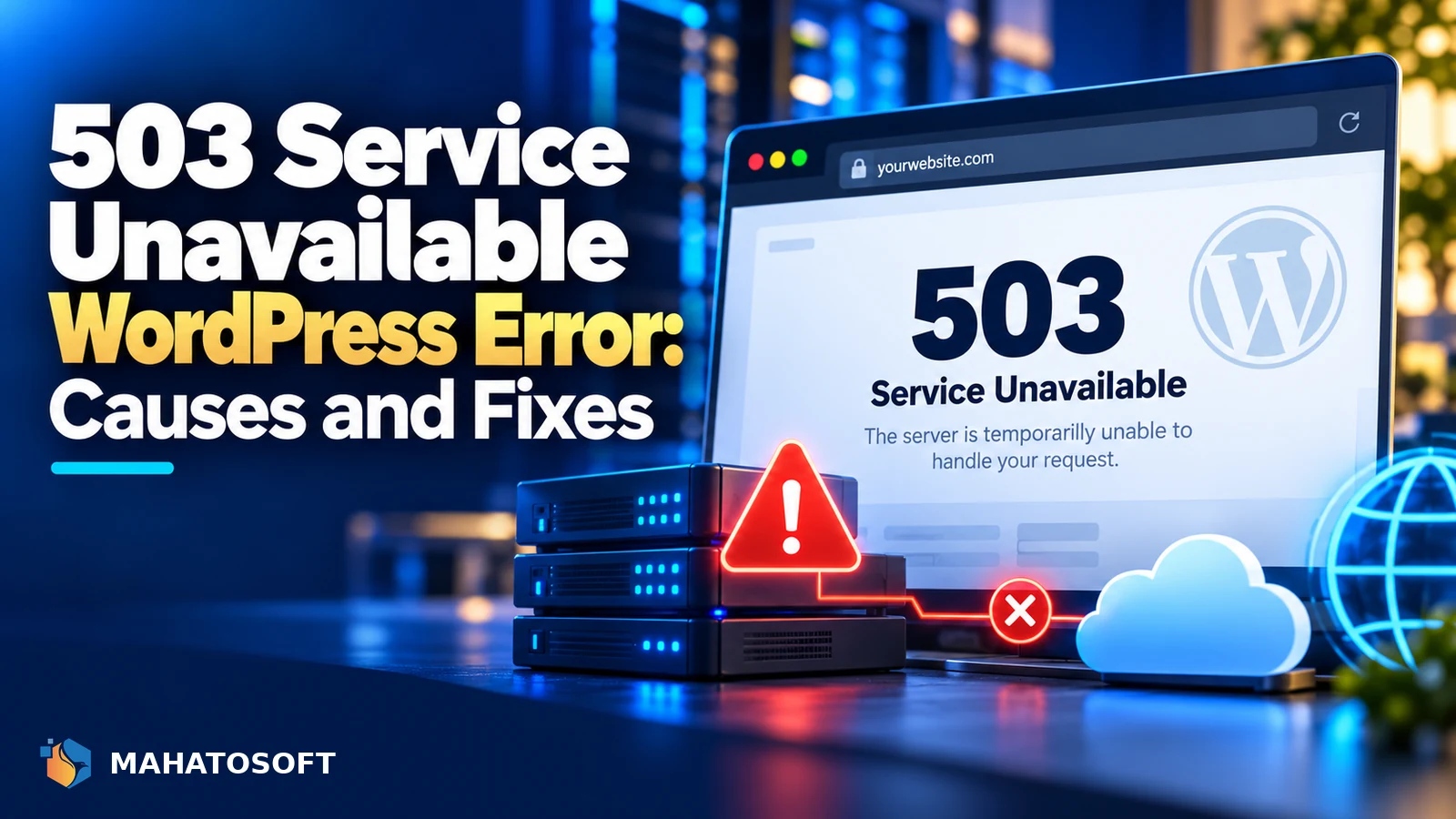
A 503 service unavailable WordPress error means your server received the request but could not process it right now, usually because it is temporarily overloaded, in maintenance mode, or blocked by a plugin or firewall. Unlike a 404 or a database error, a 503 is often, though not always, temporary on its own within a few minutes.
The HTTP 503 status code specifically means “the server is currently unable to handle the request,” which is a broader message than most WordPress-specific errors. That breadth is exactly why it has several different causes worth ruling out in order.
Wait sixty seconds and reload first
Some 503 causes, like a temporary traffic spike or an update running in the background, resolve themselves within a minute. If it is still there after a fresh reload, work through the causes below in order.
Common causes of a 503 service unavailable WordPress error
| What you see | Likely cause |
|---|---|
| Started right after a plugin or theme update | Plugin conflict or a stuck update process |
| Started during a traffic spike or after a link went viral | Server resource limits, too many simultaneous requests |
| A “Briefly unavailable for scheduled maintenance” message | WordPress stuck in maintenance mode after an update |
| Only some pages 503, others load fine | A specific plugin, widget or query causing the problem |
| Site is behind Cloudflare or another CDN | The CDN itself, or its connection to your origin server |
1. Check for a stuck maintenance mode file
WordPress automatically puts your site into maintenance mode during an update and removes the marker file when the update finishes. If an update is interrupted, for example by a timeout or a lost connection, that file can be left behind, showing a 503 or a maintenance message indefinitely.
Connect with SFTP or your host’s file manager, look in the root WordPress folder for a file called .maintenance, and delete it. This alone resolves a large share of WordPress 503 errors that appear right after an update.
2. Rule out a plugin or theme conflict
If the 503 started immediately after installing or updating a plugin, that plugin is the prime suspect. If you can reach wp-admin, deactivate plugins one at a time from Plugins, checking the site after each one. If the dashboard itself is inaccessible, rename the plugins folder via SFTP to deactivate all plugins at once, then rename it back and reactivate them individually to find the culprit.
3. Check whether the server is simply overloaded
A sudden spike in traffic, an aggressive bot crawling the site, or a brute-force attack against wp-login.php can all exhaust your hosting plan’s resource limits, and the server responds with a 503 rather than serving the page at all. Check your hosting panel’s resource usage graphs for CPU, memory or “entry processes” hitting their limit around the time the error started.
- Add page caching, so most requests are served without hitting PHP or the database at all.
- Block or rate-limit any single IP address generating unusually heavy traffic.
- If the site has genuinely outgrown its plan, upgrade to a higher tier or a host built for the traffic level you now have.
4. Check PHP resource limits and worker processes
Shared and even some managed hosting plans limit the number of PHP processes that can run at once. If a slow plugin or a heavy page ties up all available PHP workers, further requests queue up and eventually return a 503 rather than waiting indefinitely. Ask your host whether you are hitting a PHP worker or process limit, and whether it can be raised.
5. Check Cloudflare or your CDN separately
If your site sits behind Cloudflare or another CDN, a 503 can originate from the CDN itself being unable to reach your origin server, rather than from WordPress. Check your host’s server status directly, and Cloudflare’s own status page, to see whether the problem is upstream of WordPress entirely. A “521,” “522” or “523” error from Cloudflare specifically points to a connection problem between Cloudflare and your server, which is a related but distinct issue from a WordPress-generated 503.
6. Check a recently edited .htaccess file
A broken rewrite rule or a malformed directive in .htaccess can occasionally produce a 503 rather than a 500, depending on the server configuration. If you or a plugin edited this file recently, rename it temporarily to confirm whether the file itself is the cause, then restore a known-good version.
7. Turn on debugging for more detail
If the cause still is not clear, enable WP_DEBUG and check your host’s error log, which often shows the specific PHP error or timeout behind a generic 503 response. The WordPress handbook’s page on common WordPress errors is worth checking too, since some causes overlap with other error types.
A note for WooCommerce stores
A 503 service unavailable WordPress error during checkout is especially costly on a store, since it can interrupt a payment already in progress. If 503s cluster around checkout specifically, check whether a payment gateway plugin is timing out on an external API call, or whether checkout traffic alone is enough to exhaust your PHP worker limit even when the rest of the site is fine.
Prevent it from coming back
Keep plugins and themes updated in small batches rather than all at once, so a conflict is easier to trace. Use a good caching setup and monitor resource usage so a traffic spike does not immediately exhaust your plan. A 503 service unavailable WordPress error and a 500 error share several causes and diagnostic steps, so our guide to a WordPress 500 internal server error is worth reading too.
Rather have it fixed for you?
We fix WordPress 503 errors and other website errors from $45, usually the same day. Get your website error fixed or contact us with your site address.
503 service unavailable WordPress: quick answers
Is a 503 service unavailable WordPress error always temporary?
Not always. A brief traffic spike or a stuck update often resolves on its own within minutes, but a resource limit being consistently hit, a plugin conflict, or a broken configuration file will keep returning the error until you fix the underlying cause.
Why does my site show 503 only sometimes?
Intermittent 503 errors usually point to a resource limit, such as PHP workers or memory, being hit only during busier periods, rather than a permanent misconfiguration, which would normally produce the error consistently.
Can a security plugin cause a WordPress 503 error?
Yes, if it is aggressively blocking requests it mistakes for an attack, or if a firewall rule misfires. Temporarily deactivating a security plugin is a reasonable diagnostic step, as long as you re-enable it immediately afterwards.
Does a 503 error hurt my SEO?
A brief 503 is generally fine, since search engines expect occasional server hiccups and will retry later. A 503 that persists for an extended period can affect crawling and rankings, so it is worth fixing quickly rather than leaving it.
Discussion
Join the conversation
No comments yet. Share a question or what worked for you.