

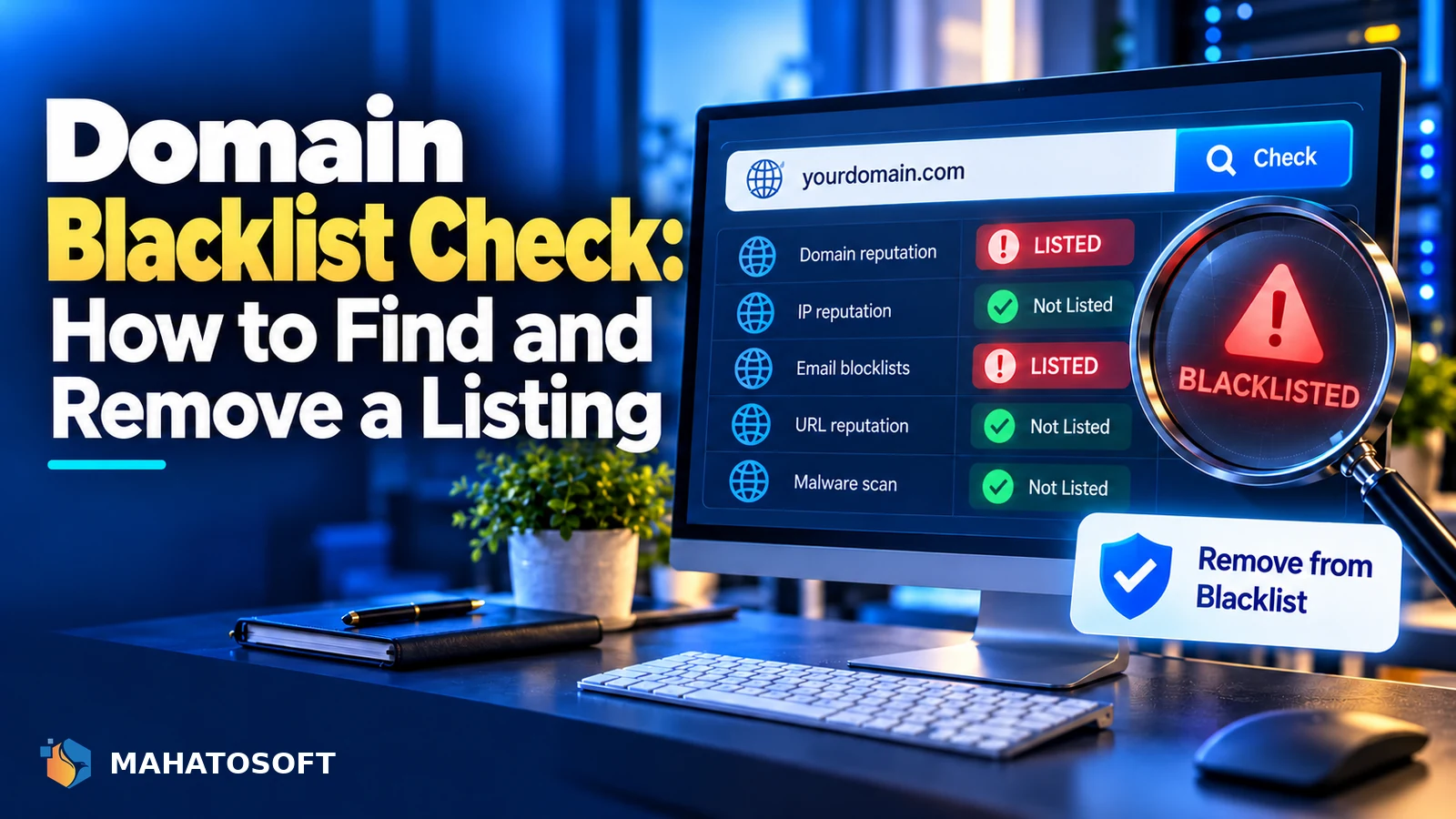
A domain blacklist check tells you whether mailbox providers or spam filters have flagged your domain or sending IP as a source of spam. If your email suddenly stops arriving everywhere at once, this is one of the first things worth checking, because a listing can be found and often cleared within a day.
Blacklists, also called DNSBLs (DNS-based blocklists), are lists maintained by independent organisations that mail servers consult before accepting a message. Getting listed does not always mean you sent spam yourself; a shared IP on cheap hosting can be listed because of a previous tenant, or a compromised contact form can be enough.
Check your DNS records first
Before chasing a blacklist listing, confirm SPF, DKIM and DMARC are all set up correctly with our free SPF, DKIM and DMARC checker. A missing record can look identical to a reputation problem from the outside.
How to run a domain blacklist check
You need to check two things separately: your domain name, and the actual IP address your mail or website sends from. A clean domain can still sit behind a listed IP, especially on shared hosting.
- Spamhaus: checks your domain and IP against the most widely used blocklists, including the SBL, XBL and DBL lists.
- MXToolbox: checks against a long list of DNSBLs at once and links directly to each one’s removal page.
- MultiRBL.valli.org: a free tool that queries dozens of smaller blocklists in one pass, useful when a mainstream check comes back clean but delivery is still failing.
Run the check on your domain, your website’s server IP, and the IP your outgoing mail actually uses, which may be different from your web hosting IP if you send through Google Workspace, Microsoft 365 or a transactional service.
Why domains and IPs end up on a blacklist
| Cause | How common |
|---|---|
| Shared hosting IP used by a previous or other tenant for spam | Very common on cheap shared plans |
| Compromised WordPress site sending spam through a hacked plugin or form | Common after a hack |
| Sending to a purchased or very old, unengaged list | Common with bulk newsletters |
| A sudden spike in volume from a new or low-reputation domain | Common after a big campaign |
| Missing SPF, DKIM or DMARC making mail easy to spoof | Common on small business domains |
If you suspect a hack rather than a sending mistake, our guide on what to do when a WordPress site is hacked covers the first steps, including finding and closing the hole that let spam go out in the first place.
The general domain blacklist removal process
Every list runs its own removal process, but they follow the same shape:
- Confirm you are actually listed with a fresh domain blacklist check, since some lookup tools cache old results.
- Find and fix the actual cause first. Requesting removal before the problem is fixed almost always fails, and some lists will re-list you faster the second time.
- Submit the list’s own removal or delisting request form, using the exact domain or IP shown as listed.
- Wait for their review. Most respond within a few hours to a few days; a small number take longer.
- Re-check after removal to confirm it took effect everywhere.
Removal links for the blocklists you will meet most often
| Blocklist | What it usually flags |
|---|---|
| Spamhaus SBL / XBL / DBL | Spam sources, compromised machines, and domains used in spam links |
| Barracuda Reputation Block List | IP-level spam and abuse reports |
| SORBS | Open relays, spam sources and dynamic IP ranges |
| UCEPROTECT | IP and network-range spam reports, sometimes broader than a single IP |
Each has its own lookup and delisting page, and the checkers above link directly to the right one once they identify a listing, so you rarely need to search for it separately.
What Microsoft and Google do differently
Gmail and Outlook.com do not publish a simple public blacklist the way Spamhaus does. Instead, they track sender reputation internally based on spam complaint rates, authentication results and engagement. Google Postmaster Tools shows your domain and IP reputation with Gmail directly, and our guide to setting up Google Postmaster Tools walks through reading it.
Microsoft offers a similar view through its Smart Network Data Services (SNDS) programme for senders with their own IP ranges. If mail bounces specifically from Outlook or Microsoft 365 recipients with a 550 error, our Outlook 550 5.7.515 guide covers that specific error code.
The shared hosting IP problem
If a domain blacklist check comes back clean but your website’s IP is listed, and you are on shared hosting, the listing may have nothing to do with your site at all. Ask your host whether the IP is shared, and whether they will move you to a clean one; most reputable hosts will do this without extra cost once you show them the listing.
Sending your outgoing mail through Google Workspace, Microsoft 365 or a transactional provider such as Postmark or Amazon SES, rather than through your hosting server directly, avoids this problem entirely, since your mail never touches the shared web hosting IP.
What to do if the listing looks like a mistake
Occasionally a domain blacklist check flags an address that has done nothing wrong. Automated blocklists sometimes list an entire IP range after abuse elsewhere on it, or catch a burst of legitimate mail that looked like a spam pattern. Most delisting forms have a field for this; explain briefly what you send and to whom, and link to your SPF, DKIM and DMARC records as evidence of a properly authenticated setup.
If a listing keeps coming back within days of removal, treat that as a sign the underlying cause was not actually fixed, rather than a fault with the blocklist itself.
Preventing a future domain blacklist listing
- Keep SPF, DKIM and DMARC published and correct at all times.
- Only email people who opted in, and remove addresses that bounce or have not opened anything in months.
- Keep WordPress, plugins and themes updated to avoid a hacked contact form sending spam on your behalf.
- Monitor Google Postmaster Tools and check your domain blacklist status monthly if you send a meaningful volume of email.
- Warm up a new domain gradually instead of sending a large campaign on day one.
Listed and not sure why?
We diagnose the exact cause, fix SPF, DKIM and DMARC, and submit removal requests to the right blocklists for $49 flat, usually the same day. Get in touch with your domain and we will run a full check first.
Domain blacklist check: quick answers
How do I know if my domain is on a blacklist?
Run a domain blacklist check at Spamhaus or MXToolbox using your domain name and your actual sending IP. Both tools are free and show which specific lists, if any, currently list you.
How long does it take to get removed from a blacklist?
Most major blocklists process a delisting request within a few hours to a few days once the underlying cause is fixed. Requesting removal before fixing the cause usually fails and can delay things further.
Can I be blacklisted even if I never sent spam myself?
Yes. Shared hosting IPs, a hacked plugin sending mail without your knowledge, or a forwarding server can all get a domain or IP listed without you personally sending anything you would call spam.
Does a blacklist listing affect my website, or only email?
Most blocklists only affect email delivery. A small number of browser and security tools maintain separate lists for malware or phishing sites, which is a different problem from an email blocklist.

Discussion
Join the conversation
No comments yet. Share a question or what worked for you.