

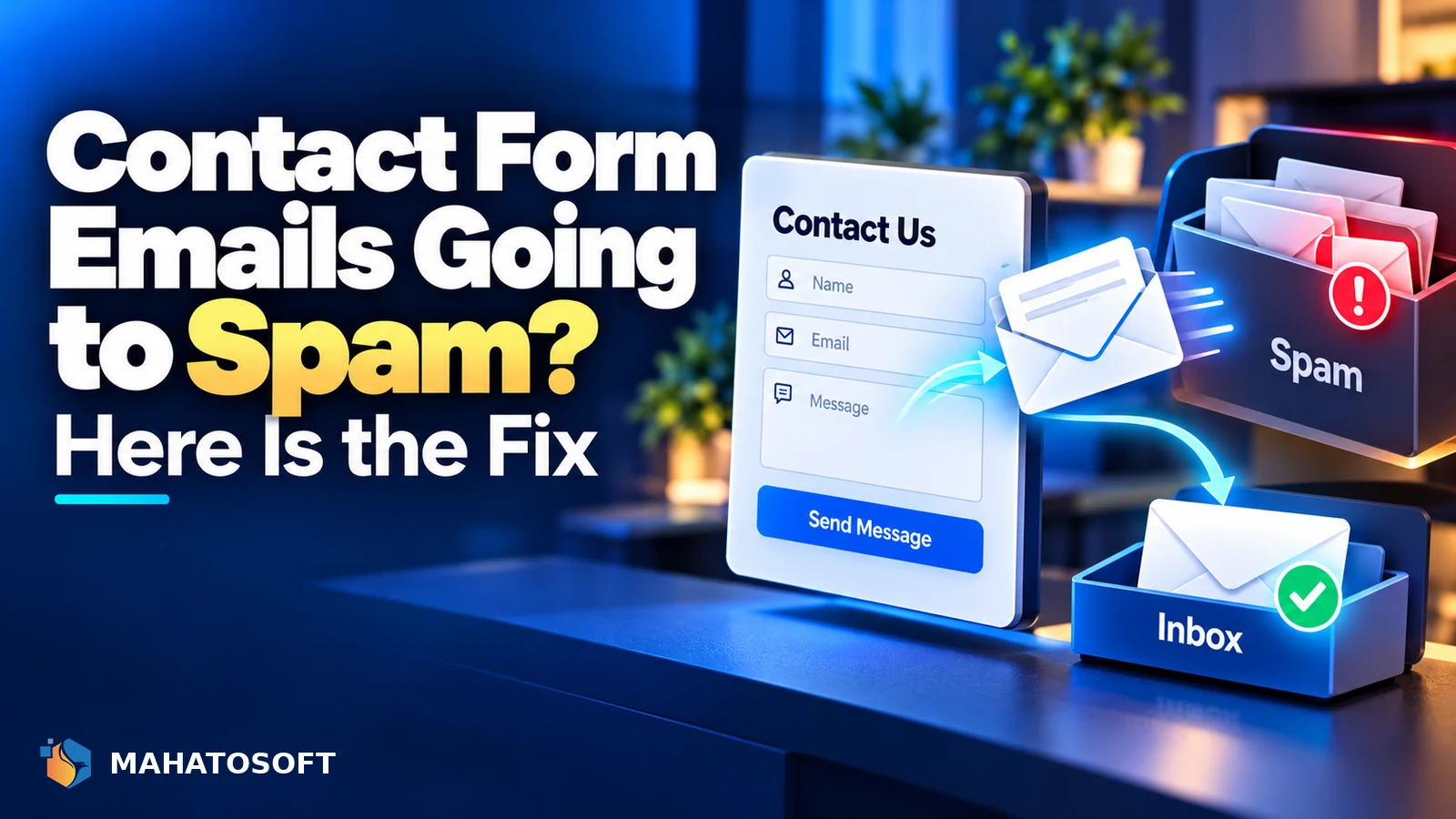
Contact form emails going to spam is one of the most common, and most silent, WordPress problems: the visitor sees “Thank you, your message was sent” while the notification never reaches your inbox at all. It almost always comes down to how the form plugin sends the email, not anything about your message content.
Contact Form 7, WPForms, Gravity Forms and similar plugins all rely on WordPress’s built-in wp_mail() function unless you configure something different. That function quietly hands the email to your server’s PHP mail system, which is the root of most delivery problems.
Confirm it is actually reaching spam, not failing silently
Check your spam folder first with the exact subject line. If it genuinely is not there at all, the message may not be sending, which is a different problem to a delivery one. Our guide to WordPress not sending emails covers that case.
Why contact form emails going to spam is so common
A contact form notification is sent from your server, but it is usually formatted to look like it comes from the site visitor, or from an address on your own domain, such as noreply@yourdomain.com. Neither of these is properly authenticated by default, so receiving mail servers cannot confirm the message is legitimate, and Gmail, Outlook and Yahoo increasingly send unauthenticated mail straight to spam or block it outright.
1. The “From” address does not match your sending server
Most form plugins default to sending “from” the address you type into their settings, or from a generic wordpress@yourdomain.com. If your domain’s SPF record does not list your hosting server as allowed to send mail, and nothing signs the message with DKIM, this fails authentication immediately.
| Setup | Result |
|---|---|
| From address on your domain, sent via PHP mail from hosting | Fails SPF and DKIM unless hosting server is explicitly authorised |
| From address on your domain, sent via authenticated SMTP | Passes SPF and DKIM, delivers normally |
| From address using the visitor’s own email domain | Almost always fails, since you are not authorised to send as their domain at all |
2. Using the visitor’s email address as the “From” field
Some default form configurations set the “From” header to whatever the visitor typed into the email field, so the notification appears to come from them rather than from your site. Since your server is never authorised to send mail on behalf of a stranger’s domain, this fails SPF and DKIM checks every time and is treated as spoofing by the receiving server.
The fix is simple: always send “from” an address on your own domain, and put the visitor’s email in the Reply-To field instead. Every major form plugin supports this, and most set it up this way by default in current versions, but it is worth checking older configurations.
3. No SPF, DKIM or DMARC on your domain
This is the same underlying issue as most email deliverability problems, and it is where to start if the “From” address is already correct. Put your domain into our free SPF, DKIM and DMARC checker to see what is missing. Our earlier guide on why emails go to spam covers all nine causes in more depth; this article focuses on the form-specific ones.
4. Sending through PHP mail instead of SMTP
By default, WordPress’s wp_mail() function uses PHP’s built-in mail handling, which sends directly from the web server rather than through an authenticated mail account. Even with SPF and DKIM correctly published, PHP mail can be unreliable because many hosts share IP addresses across hundreds of accounts, so one spammy neighbour can affect everyone’s reputation.
An SMTP plugin, such as WP Mail SMTP or FluentSMTP, routes the same message through a real mail account or a transactional email service instead. This is the single highest-impact fix for contact form deliverability on most WordPress sites.
5. Form content looks spammy
Once authentication and sending method are correct, content still matters a little. Contact form notifications with a subject line entirely in capitals, a large block of visitor-typed text with links, or fields that get abused by bots submitting promotional junk can drag down your sending reputation over time.
- Add a honeypot field or CAPTCHA to reduce bot submissions, since bot spam through the form itself hurts your domain’s reputation.
- Keep the notification subject line short and consistent, like “New contact form submission from [Name]”.
- Avoid forwarding the raw HTML a bot submitted; most plugins sanitise this automatically, but check if you have customised the email template.
6. Autoresponders and confirmation emails
If your form sends a confirmation email back to the visitor, that email has exactly the same authentication requirements as the notification to you. A confirmation email failing SPF or DKIM is one of the most visible deliverability problems, since it lands in your customer’s spam folder and looks unprofessional even when your own internal notification is working fine. This is the same root cause behind most cases of contact form emails going to spam, so fixing authentication once tends to solve both the notification and the autoresponder together.
How to test it properly
Submit your own form, then check the message headers rather than only whether it arrived. In Gmail, open the message, click the three dots and choose Show original to see whether SPF, DKIM and DMARC each show PASS. mail-tester.com gives a one-off address and a full score if you want a second opinion.
Test after every change, since fixing the “From” address and fixing SPF/DKIM are separate steps and either one alone may not be enough to stop contact form emails going to spam. If you’ve worked through every cause above and contact form emails going to spam is still happening, check your DMARC policy next, since a strict policy can quarantine borderline messages even after SPF and DKIM pass.
Rather have it fixed for you?
We set up SPF, DKIM and DMARC correctly, and connect your forms to authenticated SMTP, for $49 flat, usually the same day. Get it fixed or browse our step-by-step setup guides.
Contact form emails going to spam: quick answers
Why does my form notification only go to spam sometimes?
Intermittent delivery usually points to a shared hosting IP with a mixed reputation, or a DMARC policy that is quarantining rather than rejecting borderline messages. Check your headers on both a delivered and an undelivered example if you can find one, and compare the sending IP and the SPF result on each.
Does changing the “From” address fix contact form emails going to spam?
It often helps a lot, especially if the form was previously sending “from” the visitor’s own address, but it is not a complete fix on its own. You also need SPF, DKIM and DMARC published for your domain and ideally SMTP instead of PHP mail.
Should I use my own email or a “noreply” address for form notifications?
Either works, as long as it is an address on your own domain that your SPF and DKIM records cover. Put the visitor’s real address in the Reply-To field either way, so you can reply directly without exposing your notification address.
Will an SMTP plugin alone fix a spam-folder problem?
It fixes the sending method, which is usually the biggest factor, but you still need SPF and DKIM published for the domain the SMTP service sends as. Most SMTP services show you exactly which DNS records to add during setup, and skipping that step is the most common reason the problem comes back after switching to SMTP.

Discussion
Join the conversation
No comments yet. Share a question or what worked for you.